

Inventory
Manage physical resources used to fulfill services and control booking availability
Inventory represents the physical resources used to fulfill services in Tiquo.
Inventory allows the platform to manage the availability of resources required for bookings, such as rooms, equipment, or spaces. Services can connect to inventory so that bookings are only possible when the required resources are available.
Examples of inventory resources include:
- Treatment rooms
- Massage tables
- Equipment
- Meeting rooms
- Activity spaces
Inventory ensures that resources cannot be booked beyond their available capacity.
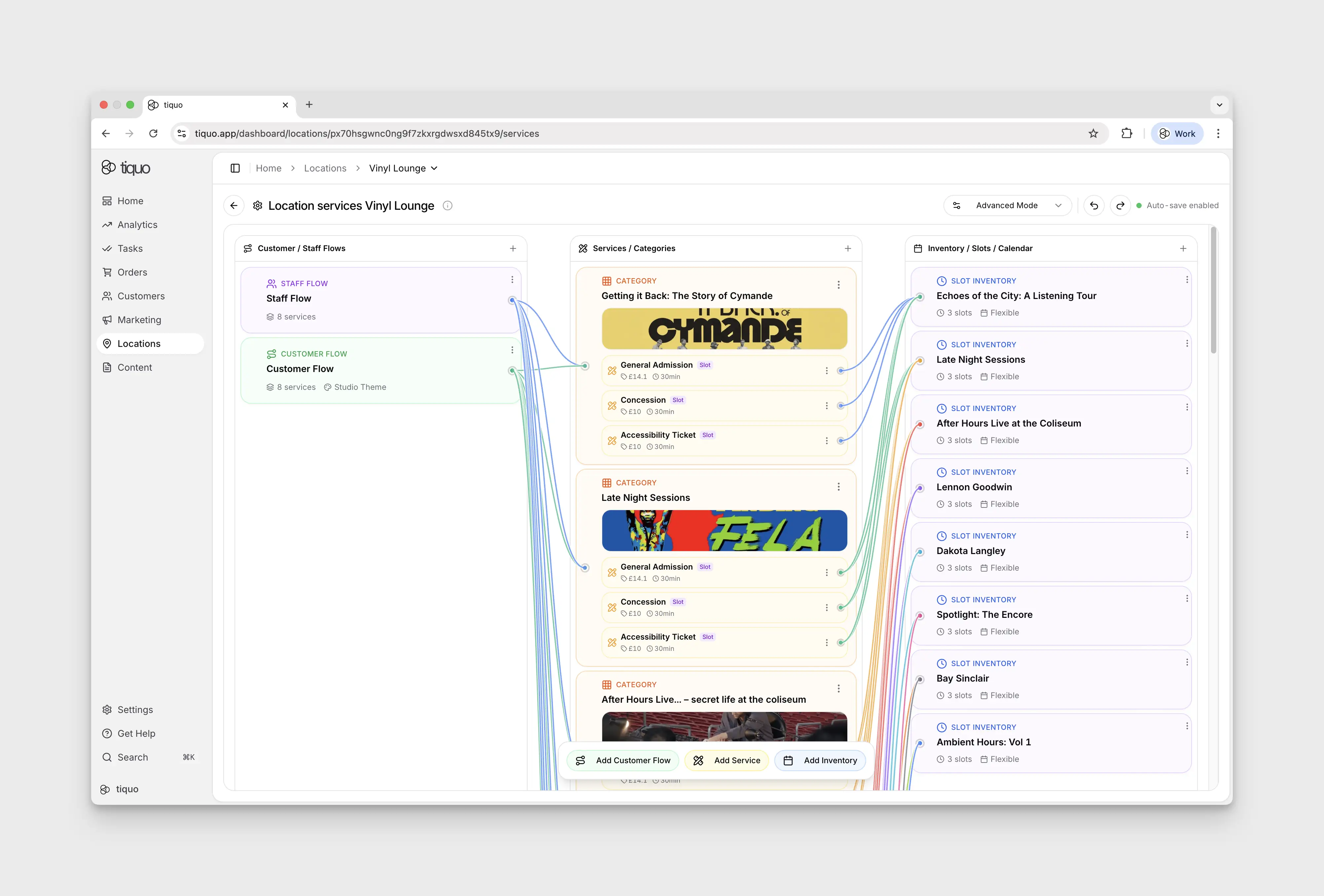
Inventory Scope
Inventory items are configured at the sublocation level. Each sublocation manages its own inventory resources.
Example:
Location: Wellness Center
Sublocations:
- Spa
- Gym
- Café
The Spa sublocation may have inventory such as:
- Treatment Room 1
- Treatment Room 2
- Massage Table A
Creating Inventory
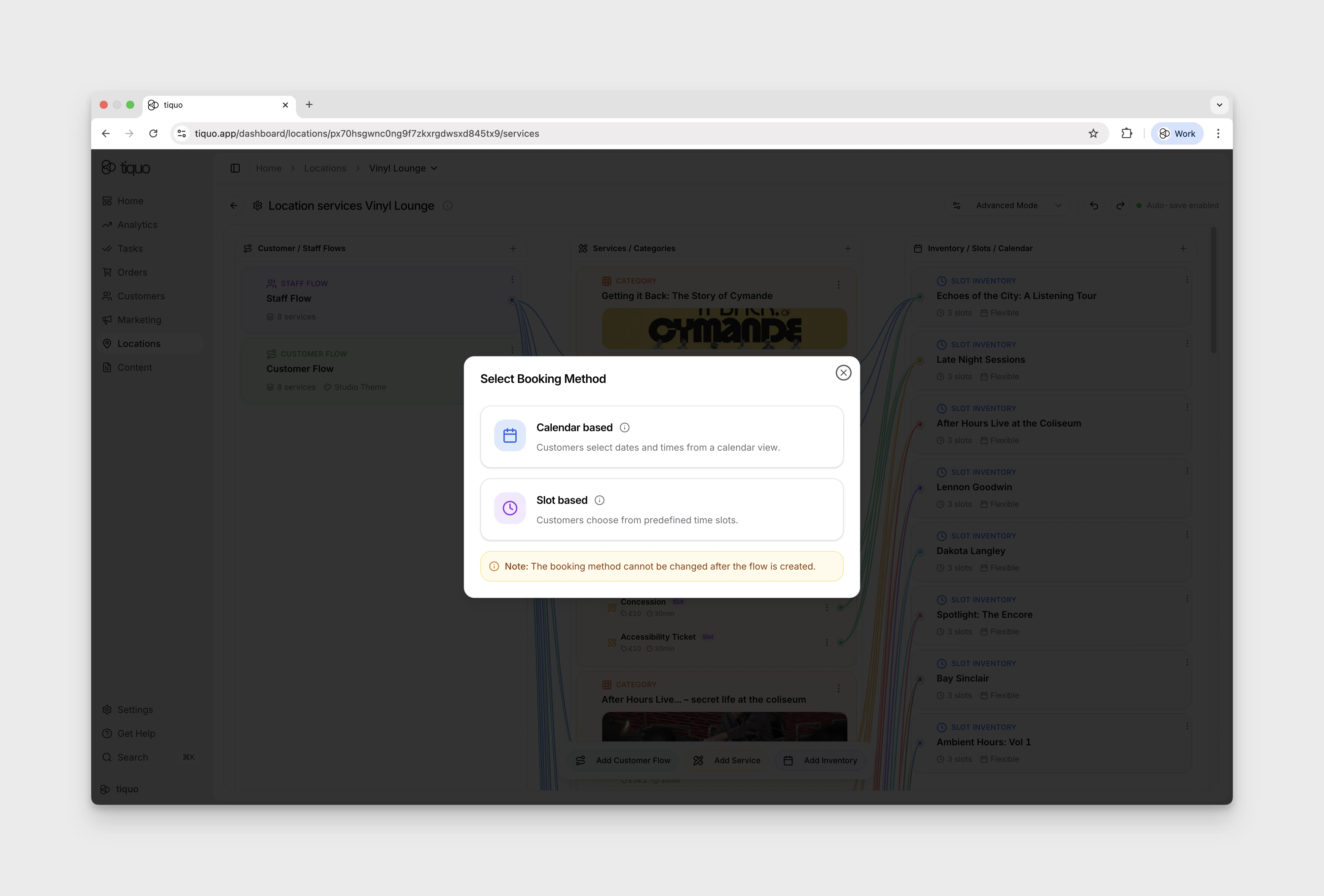
Inventory items are created from the Inventory section of a sublocation.
To create an inventory item:
- Navigate to the relevant sublocation
- Open the Inventory section
- Click Add
- Configure the inventory details
Once created, the inventory item can be connected to services.
Inventory Configuration
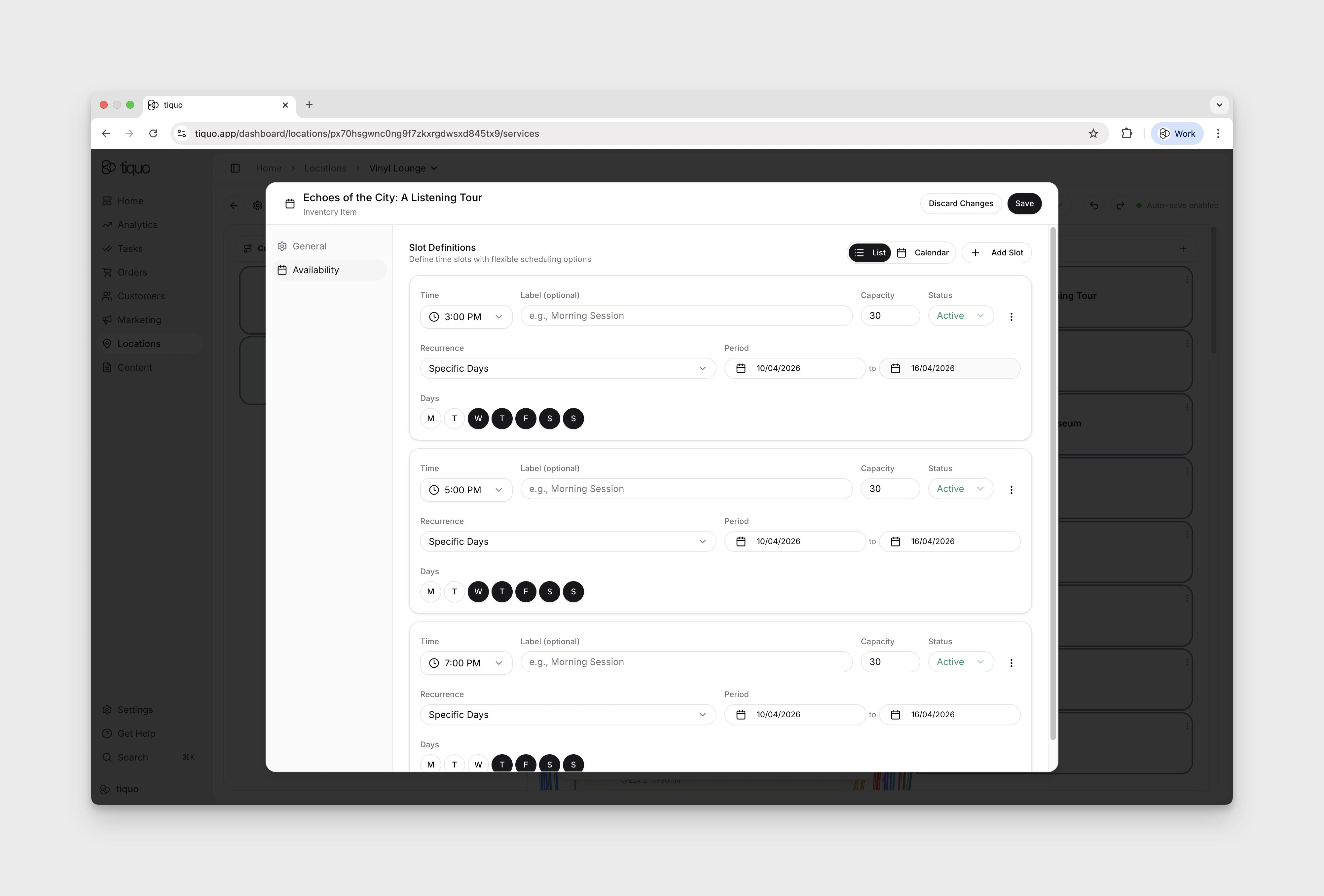
Each inventory item contains several configuration sections:
- General
- Capacity
- Availability
- Limits
These sections define how the resource can be used for bookings.
General Settings
The General section defines the basic information about the resource.
Fields include:
- Name
- Description
- Waitlist option
Name: the name identifies the inventory resource. Example: Treatment Room 1
Description: an optional description can be added to explain the purpose of the resource.
Enable Waitlist: waitlists allow customers to join a queue when the inventory resource is fully booked. If enabled, customers can register interest in a time slot that is currently unavailable.
Capacity
Capacity defines how many customers can use the resource at the same time.
Simple Capacity
Simple capacity uses a single capacity value.
| Resource | Capacity |
|---|---|
| Treatment Room | 1 |
| Meeting Room | 10 |
Instances
Inventory can also be configured using instances. Instances represent individual units of a resource.
Example:
Inventory Item: Massage Table
Instances:
- Table 1
- Table 2
- Table 3
Each instance can be allocated independently during bookings.
Instances are useful whenever staff need to know exactly which room, table, seat, or ticket type has been allocated. Guided setup flows for restaurants, bars, hotels, meeting rooms, spas, and events use instances to make named resources easier to manage.
Availability
Availability determines when the inventory resource can be used.
| Setting | Description |
|---|---|
| Default Start Time | Earliest time the resource can be booked. Example: 09:00 |
| Default End Time | Latest time the resource can be booked. Example: 17:00 |
| Available Days | Which days the resource is available. Example: Monday to Friday |
Break Times
Break times represent periods when the resource cannot be booked.
Examples include:
- Cleaning breaks
- Maintenance periods
- Staff preparation time
Breaks prevent bookings from being scheduled during those periods.
Allocation Priority
When multiple inventory resources can satisfy a booking, allocation priority determines which resource is used first. Resources with higher priority are allocated before others.
Example: Treatment Room 1 → Treatment Room 2 → Treatment Room 3
This allows businesses to control how resources are utilized.
Inventory Limits
Inventory limits define operational constraints for the resource.
| Limit | Description |
|---|---|
| Maximum Capacity | Maximum number of customers allowed for the resource |
| Availability Window | How far in advance the resource can be booked. Example: 90 days |
| Booking Time Slot | Time slot size used when scheduling bookings. Example: 30-minute slots |
| Cleaning Buffer | Additional time between bookings to ensure sufficient preparation time |
Connecting Inventory to Services
Inventory items can be connected to services.
When a service uses inventory, the booking system checks inventory availability before confirming a booking.
Example:
Service: Massage Appointment. Inventory: Treatment Room
When a customer books a massage, the system ensures a treatment room is available. If all rooms are booked, the service cannot be scheduled for that time.
Inventory and Bookings
Inventory works together with bookings to manage resource scheduling.
When a booking is created:
- The service defines the duration and booking rules
- Inventory determines whether a resource is available
- If available, the booking is scheduled
- The resource is reserved for the duration of the booking
This prevents double-booking of physical resources.
Example
Spa booking example:
Service: Massage Appointment. Duration: 60 minutes
Inventory:
- Treatment Room 1
- Treatment Room 2
If Treatment Room 1 is already booked at 14:00, the system may assign Treatment Room 2 instead. If all rooms are booked, the time slot becomes unavailable.
Summary
Inventory represents the physical resources required to fulfill services.
Inventory controls:
- Resource availability
- Booking capacity
- Scheduling limits
- Allocation priority
By connecting services to inventory, Tiquo ensures bookings can only be made when the required resources are available. Inventory works together with services and bookings to manage operational scheduling within a location.