

Platform
Shortcuts
Move through Tiquo without leaving the keyboard
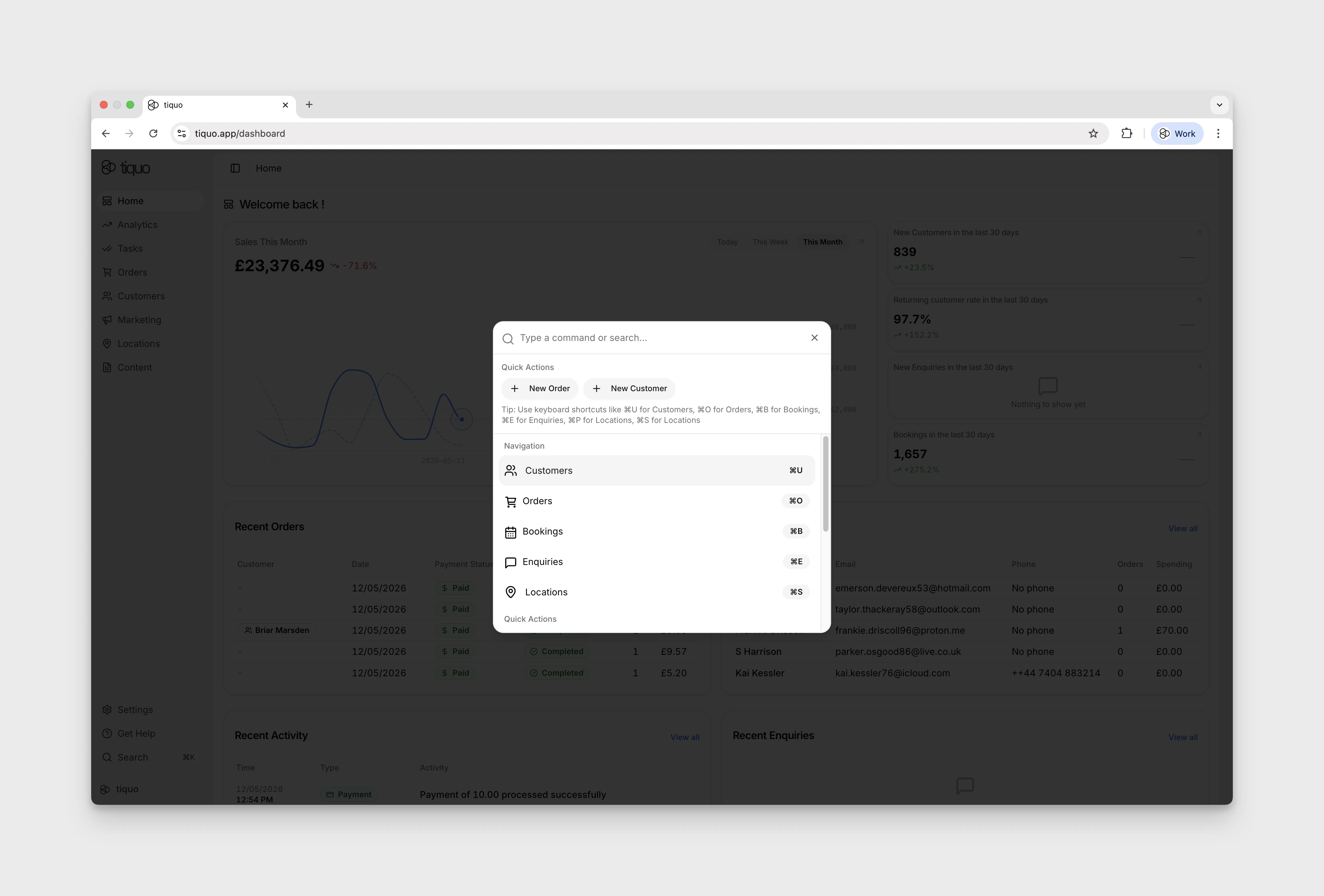
Tiquo exposes a global command menu that lets staff navigate the platform, search records, and run common actions from anywhere using the keyboard. It is the fastest way to get around once you know what to type.
Opening the command menu
Open it with:
- Cmd + K (Mac)
- Ctrl + K (Windows / Linux)
It is available on every page, so the same shortcut works whether you're looking at an order, a customer, a booking, or the dashboard.
What the command menu does
Once open, the menu provides three things in one place:
- Search: type to search across records (orders, customers, bookings, enquiries, products, services). Matching results appear as you type, and pressing Enter jumps straight to the record.
- Quick navigation: jump to a page in the platform without clicking through the sidebar. Useful shortcuts such as Cmd + O (Orders), Cmd + U (Customers), and others are exposed here.
- Quick actions: run common workflows such as creating a new order, enquiry, or customer directly from the menu without going to the relevant page first.