

Organization Setup
Configure your organisation's core identity and verified domains
Organization Setup defines the core identity of your organisation in Tiquo. These settings apply globally across locations, sublocations, staff access, and customer-facing experiences.
They are typically configured once during onboarding and updated occasionally as your business evolves.
Organization overview
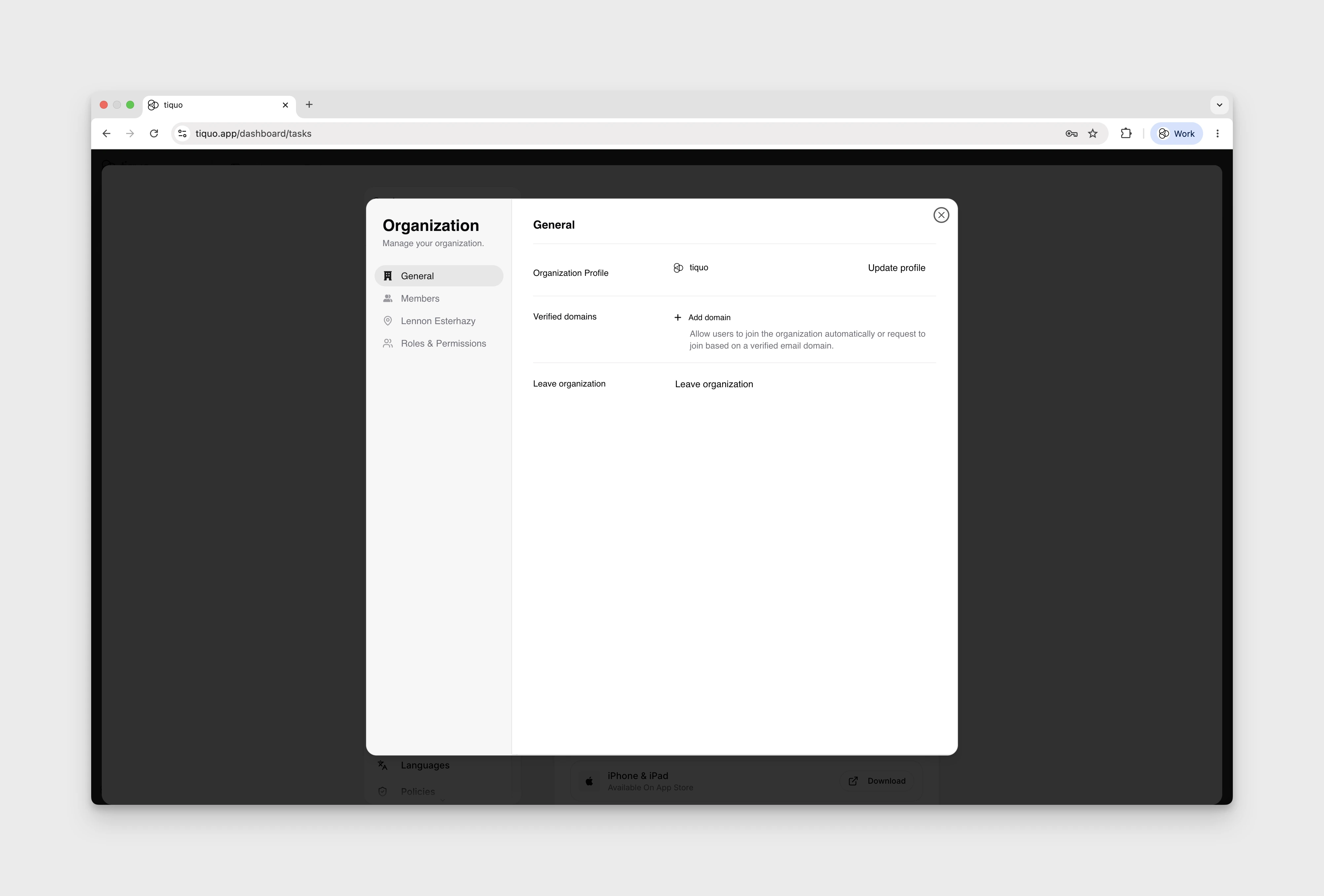
The Organization Overview contains high-level information that represents your business across the platform.
From this section, you can manage:
- Organization name
- Primary branding details
- Default settings that apply across locations
The organization name and branding are used internally across dashboards and externally in customer-facing flows, emails, and wallet cards.
Verified domains
Verified Domains allow you to automatically manage staff access using email domain ownership.
When a domain is verified:
- Staff members with an email address on that domain can request access to your organisation
- Requests can be approved without manual verification of identity
- Domain verification helps prevent unauthorised access and reduces onboarding friction
Verified domains are commonly used for:
- Internal staff email domains
- Group or holding company domains
- Multi-location organisations with shared IT infrastructure
Domain verification is configured at organisation level and applies across all locations and sublocations.