

S700 Terminal
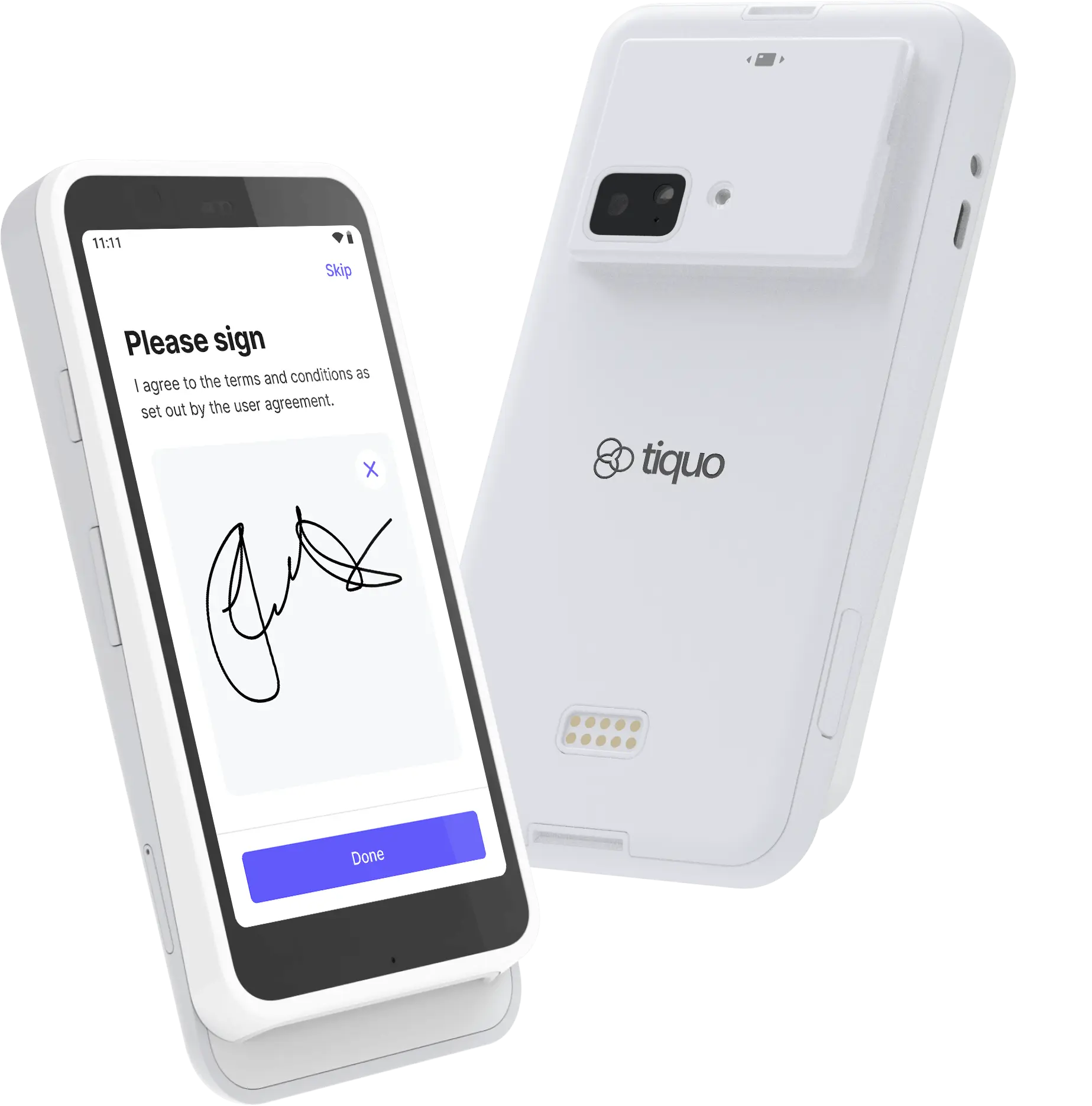
All-in-one payment terminal with touchscreen
S700 terminal
The S700 is an all-in-one payment terminal designed for full POS and payment workflows.
Pricing
Open Settings → Hardware and choose GBP, EUR or USD to see current prices and availability. Taxes are shown separately.
Best for: Countertop or handheld payments with a touchscreen payment experience
Key features
- 5.5-inch IPS LCD touchscreen with Gorilla Glass (1920 x 1080, 580 nits)
- EMV chip, contactless, digital-wallet, and magstripe payments
- Wi-Fi and Bluetooth connectivity
- Ethernet through a compatible dock or hub
- Offline mode
- Up to 15 hours of active use and 140 hours on standby
- 318g body (161.9 x 81.6 x 21.4 mm)
- Android 10, Qualcomm SM6125 processor, 4GB RAM, and 64GB storage
- End-to-end encryption, P2PE-ready security, and PIN support
The S700 does not contain a receipt printer. Connect a supported external receipt printer when you need printed receipts.
Setup
Unbox the terminal
Carefully remove the S700 terminal and all accessories from the packaging
Connect to power
Connect the terminal to power using the supplied power adapter
Connect to network
Connect to Wi-Fi, or use a compatible dock or hub for Ethernet connectivity
Register in Tiquo
Go to Settings → Devices → Register card reader in Tiquo to start registration
Test the terminal
Process a test transaction to verify everything is working correctly
In the demo, Register card reader is disabled. Reader registration and physical terminal testing cannot be completed in demo preview.
Network setup
| Connection | Setup |
|---|---|
| Wi-Fi | Go to Settings → Network → Wi-Fi and select your network |
| Ethernet | Connect an Ethernet cable through a compatible dock or hub |
Usage
Processing payments
- Create or select an order in Tiquo
- Choose the S700 as the payment terminal
- Customer taps, inserts, or swipes their card
- The transaction is processed; a paired receipt printer can print the receipt when configured
Supported payment methods
- Chip and PIN
- Contactless (tap)
- Apple Pay
- Google Pay
- Magnetic stripe (swipe)
Troubleshooting
Battery & charging
- Always use the supplied power adapter
- Keep charged during heavy use
- Mobile use may consume battery faster
Maintenance
- Keep the device updated while powered and connected
- Clean the touchscreen and card reader regularly
- Avoid moisture and extreme temperatures