

S710 Terminal
Handheld payment terminal with mobile data connectivity
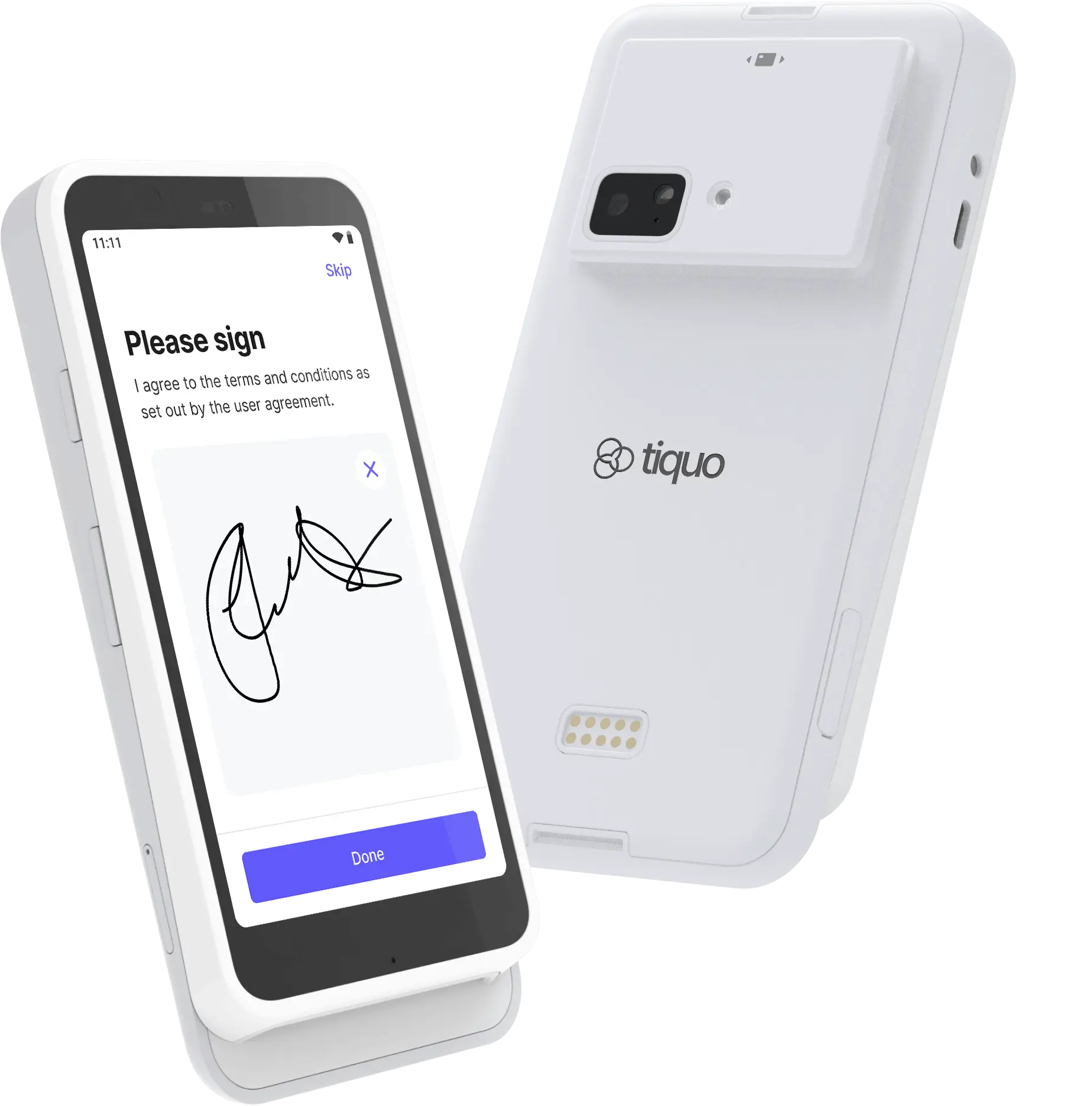
S710 terminal
The S710 is a handheld payment terminal designed for staff who take payments away from a fixed counter. It includes 4G/LTE mobile data so payments can still be taken when Wi-Fi is unavailable.
Pricing
Open Settings → Hardware and choose GBP, EUR or USD to see current prices and availability. Taxes are shown separately.
Best for: Table service, queue busting, pop-ups, and events where Wi-Fi is unreliable.
Key features
- 5.5-inch IPS LCD touchscreen with Gorilla Glass (1920 x 1080, 580 nits)
- Chip, contactless, and magstripe payments
- Apple Pay, Google Pay, and other digital wallets
- Wi-Fi, Bluetooth, and 4G/LTE mobile connectivity
- Ethernet via dock or hub accessory
- Offline mode for taking payments without an active connection
- Up to 15 hours of active use, 140 hours standby
- Front and rear cameras and microphones (future support)
- Customisable on-reader checkout
- Compact 318g body (161.9 x 81.6 x 21.4 mm)
- Android 10, Qualcomm SM6125, 4GB RAM, 64GB storage
- End-to-end encryption and P2PE-ready security
Setup
Unbox the terminal
Carefully remove the S710 terminal and accessories from the packaging.
Charge the terminal
Charge the terminal fully before first use.
Connect to network
Connect to Wi-Fi, or insert a supported SIM for 4G/LTE connectivity.
Register in Tiquo
Go to Settings → Devices → Register card reader in Tiquo to start registration.
Test the terminal
Process a test transaction to verify everything is working correctly.
In the demo, Register card reader is disabled. Reader registration and physical terminal testing cannot be completed in demo preview.
Network setup
| Connection | Setup |
|---|---|
| Wi-Fi | Go to Settings → Network → Wi-Fi and select your network |
| 4G/LTE | Insert a supported SIM card; APN auto-configures on most carriers |
| Ethernet | Connect via dock or USB-C hub accessory |
Usage
Processing payments
- Create or select an order in Tiquo
- Choose the S710 as the payment terminal
- Hand the terminal to the customer (or present it)
- Customer taps, inserts, or swipes their card
- Transaction is processed and a digital receipt is offered
Supported payment methods
- Chip and PIN
- Contactless (tap)
- Apple Pay
- Google Pay
- Magnetic stripe (swipe)
Battery & charging
- Always use the supplied power adapter
- Up to 15 hours of active use per charge
- Standby up to 140 hours
- Mobile data usage may consume battery faster
Maintenance
- Keep the device updated while powered and connected
- Clean the touchscreen and card reader regularly
- Avoid moisture and extreme temperatures