

Mobile Apps Overview
Platform capabilities exposed through the Staff iOS app (and the upcoming Android app)
Overview
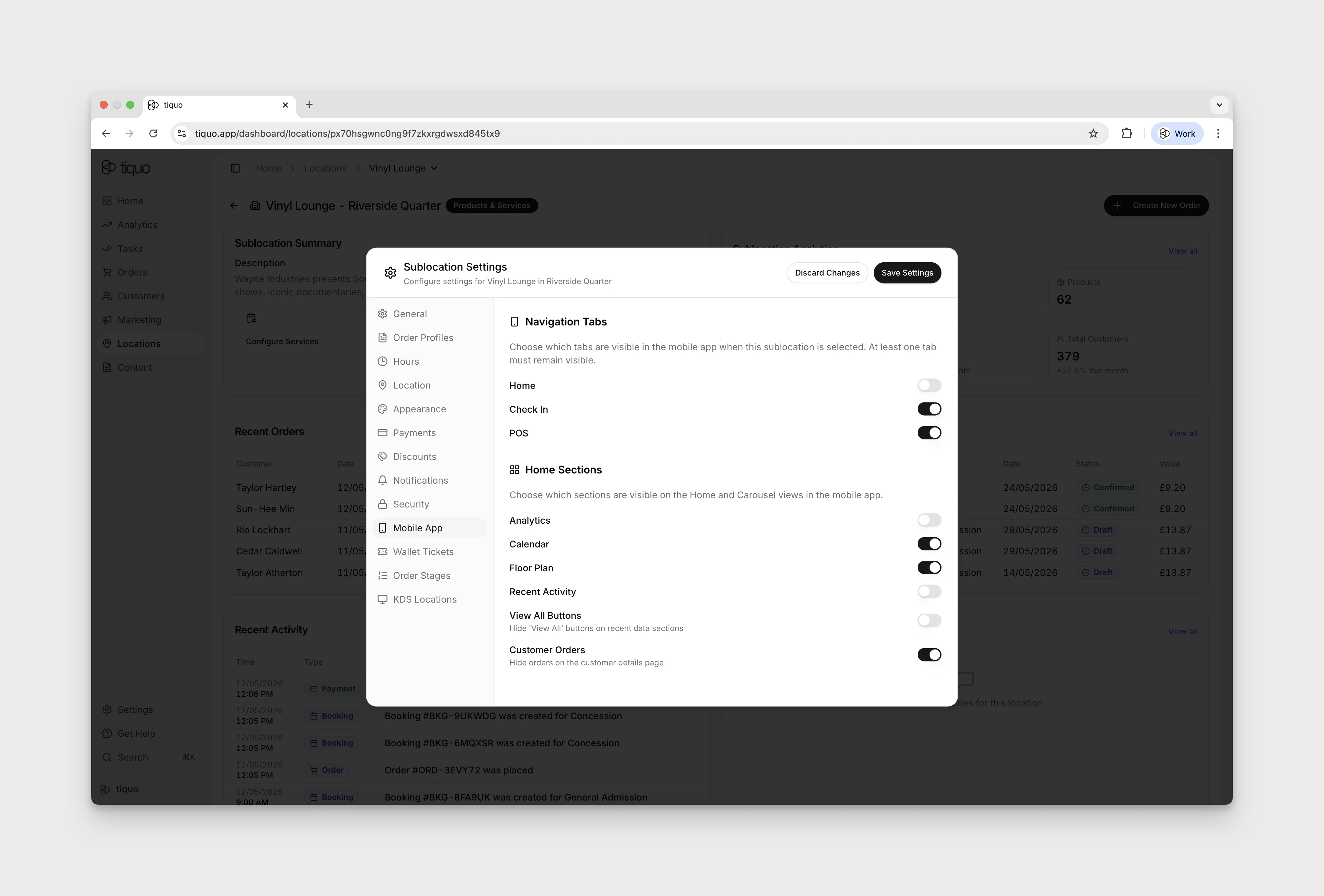
The Tiquo Staff iOS app gives staff access to platform features from the floor. It works alongside the web app, POS terminals, and PDQ devices, so teams can move between fixed and mobile workflows as their environment demands. Android is listed as Coming Soon. Supported features and device requirements will be documented when available.
For device support, system requirements, and installation steps, see the Devices section. This page focuses on the platform-level capabilities exposed by the mobile apps.
App modes
The Staff iOS app supports several modes depending on the device type and use case.
The standard Staff iOS app mode includes analytics, check-in, POS, orders, bookings, and customer interactions.
Additional modes are available on supported devices, such as:
- Schedule Display
- Kitchen Display System (KDS)
Some modes are only available on iPad and are intended for fixed or semi-fixed operational setups.
App modes can be selected directly within the app and determine which features and screens are available to the user on that device.
Locations & sublocations
Within the Staff iOS app, users can switch between locations and sublocations they have access to.
Each sublocation clearly indicates whether it supports:
- Products
- Services
- Products & Services
The selected sublocation controls what actions are available in the app, such as POS ordering, check-in, bookings, or analytics.
Staff can use one device across operational areas, switching between a café, studio, exhibition space, or entrance desk without logging out.