

Customer Documents
Store, generate, and manage files directly within a customer profile
Open the Documents section of a customer profile to upload files, create documents and forms, or manage existing records.
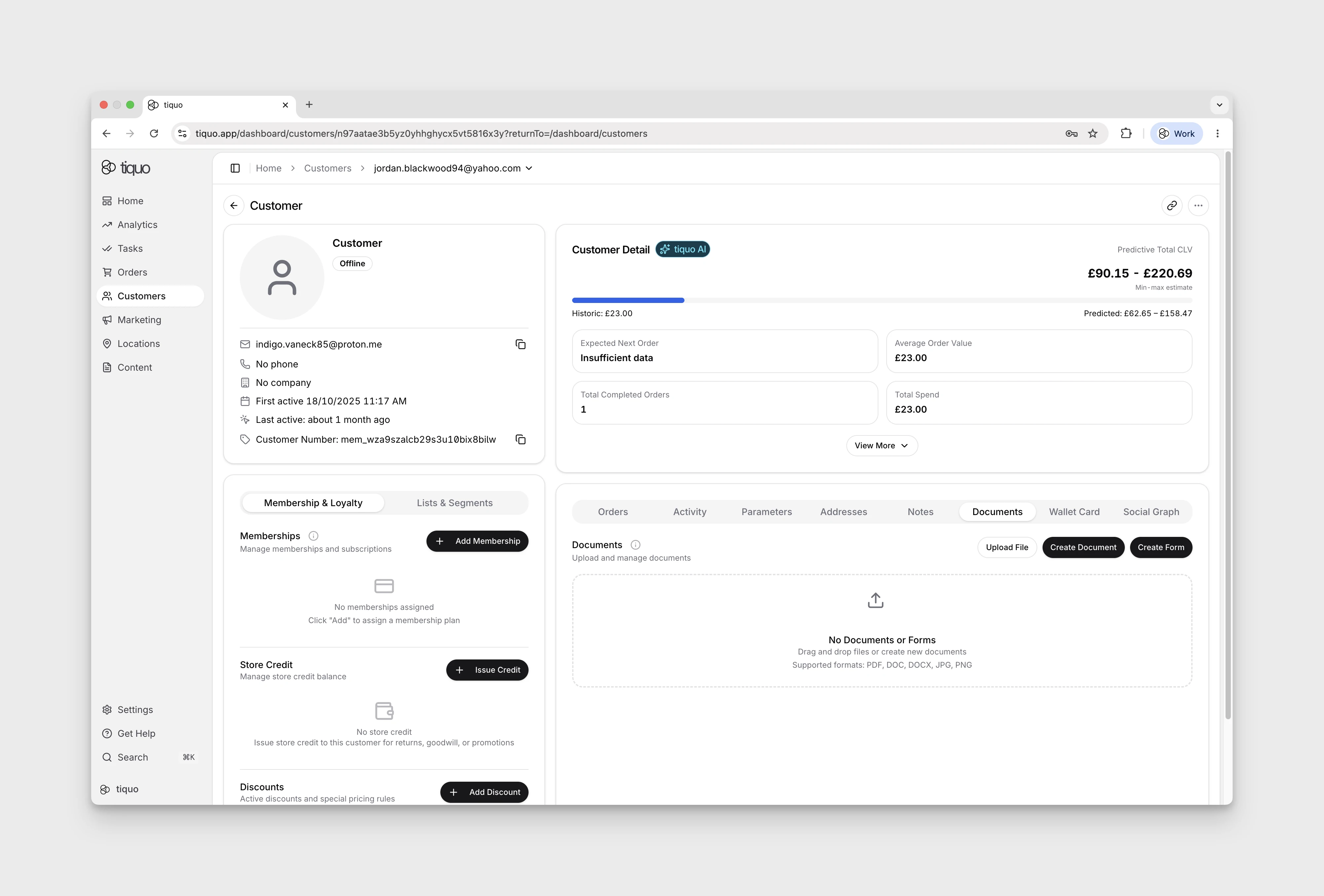
Document types
The Documents section contains:
- Uploaded files
- Generated documents
- Forms associated with the customer
Uploading files
Select Upload File or drag files into the upload area to add them to the customer profile.
Common supported file formats include:
- JPEG, PNG, GIF, and WebP images
- DOCX, XLSX, and PPTX
- CSV and TXT
- ODT, ODS, and ODP
Each file can be up to 25 MB. Tiquo validates the filename extension, declared content type, stored content type, and file contents. Empty files, mismatched types, unsafe archives, and unsupported formats are rejected.
Creating documents
Select Create Document, then choose a starter template or Create from Scratch to open the editor for a document linked to the customer. Use it for operational, legal, or administrative records such as:
- Membership agreements
- Customer contracts
- Service confirmations
- Internal documentation
Creating forms
Select Create Form, then choose a starter template or Create from Scratch to open the editor for a form linked to the customer. Forms collect structured information or agreements, including:
- Consent forms
- Waivers
- Customer onboarding forms
- Membership forms
The form editor supports text and numeric single-line fields, multi-line fields, dates, times, dropdowns, addresses, files, signatures, and other structured blocks. Fields can be required, sized, and bound to customer or enquiry data.
A single-line field can be shown only when a selected dropdown field contains one of the configured source options. Dropdowns can also filter or hide their own options based on an earlier answer. These rules are enforced when a customer submits the form, so hidden answers are not saved as active responses.
Managing customer documents
Return to the Documents section to view and manage the customer's uploaded files, documents, and forms.