

Activity Logs
Real-time chronological log of activity across your organisation
Recent Activity lists customer interactions, operational actions, payments, and system events across your organisation in a searchable, chronological feed. It updates in real time.
View activity across locations, services, and customers without opening each record.
Open Recent Activity
Select Analytics → Recent Activity. Use the category tabs to switch between All activity, Orders, Customers, Bookings, Payments, and System.
Activity cards
When you open Recent Activity with View all on Home's Recent Activity card, the page starts with a row of activity cards: Total Activities, Staff Activities, Customer Activities, Physical Activities, and Order Activities. Select a card to expand it.
The timeframe card at the start of the row sets the period for these cards. It starts at the last 7 days. Choose another range from it, or use its arrows to step back or forward by the same length of time; it never moves past today. The feed's Date filter is separate and doesn't change the cards.
The activity cards need the View analytics & reports permission.
Understanding the activity feed
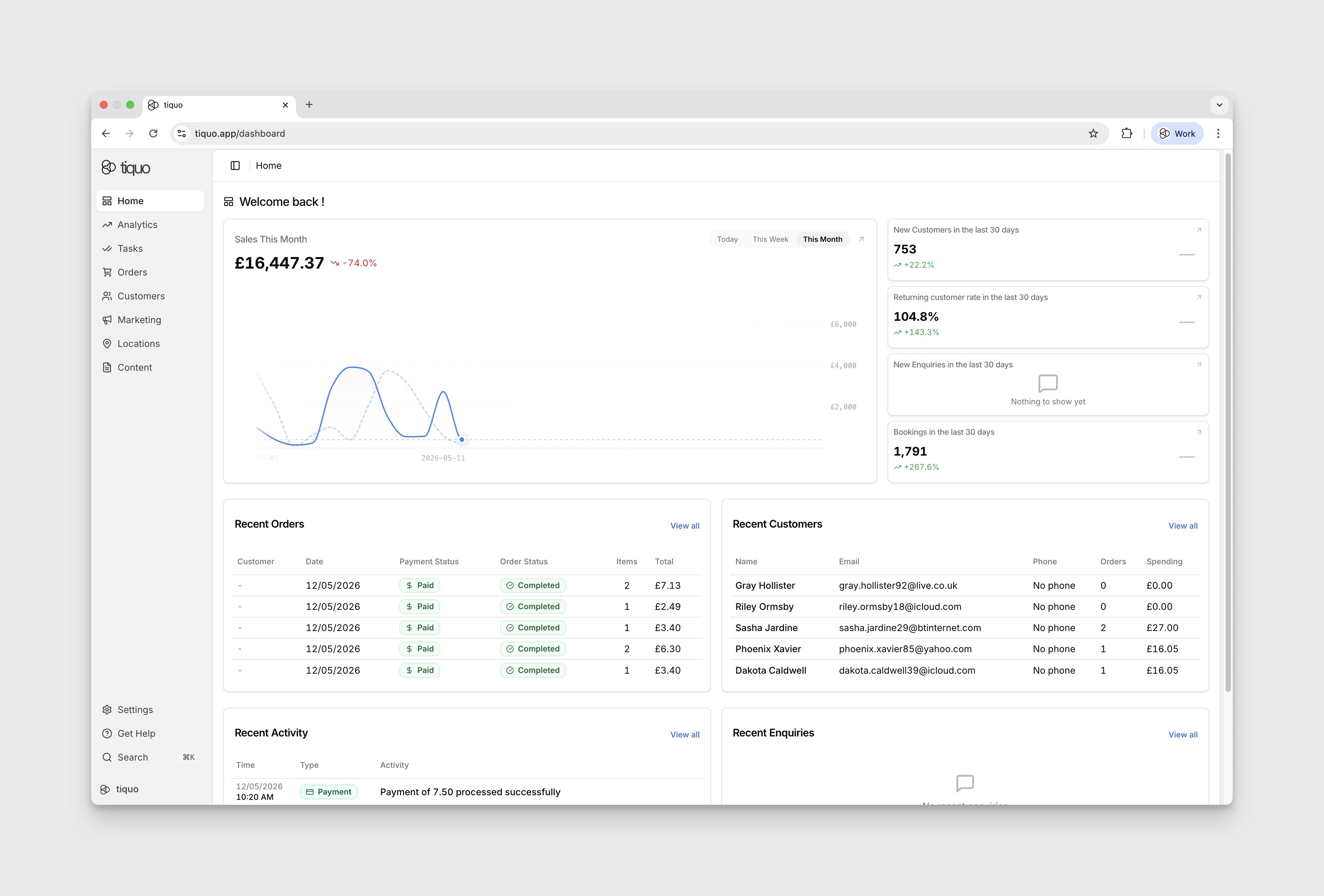
Each activity entry includes:
| Field | Description |
|---|---|
| Time | When the event occurred |
| Type | Category of the event |
| Description | Details of what happened |
| Location | Location or sublocation, where applicable |
| Customer | Linked customer, where applicable |
| Staff | Team member involved, where applicable |
| Company | Linked company, where applicable |
| Details | Additional event details, where available |
The feed updates continuously and reflects live activity across all connected parts of the platform.
Select the search icon beside All Locations to open Search activities... and Add filter. The filter menu contains Activity Type, Customer, Company, Enquiry, Staff, Date, and Location. Make a selection and choose Apply; repeat Add filter to combine filters. Clear all removes the search and applied filters. Select Cancel to close the search controls.
In the demo, a 19 to 20 September 2026 date filter returned no entries even though the unfiltered feed contained an event dated 20 September. If expected events disappear, clear the Date filter and check the unfiltered feed. Inclusive end-date behaviour has not been confirmed.
Email campaign activity can include a Newsletter badge. Select it to open the campaign preview, review the subject and message that produced the event, or continue to the campaign editor when changes are still available.
Notification and automation email activity is shown as Communication where it is associated with a customer. The timeline records the message type and delivery state, including sent, delivered, bounced, or failed where that state is available.
Activity types
Recent Activity is organised into clear categories that can be viewed together or filtered individually.
Shows every recorded event across the platform in a single timeline.
Includes events related to order creation, updates, payments, tab activity, and order completion.
Tracks customer-led actions such as:
- Registration and sign-up events
- Profile updates
- Guest additions
- Check-ins linked to customer identity
Shows booking-related activity including:
- Booking creation and updates
- Check-ins and attendance events
- Cancellations or status changes
Logs payment-related events such as:
- Successful payments
- Refunds
- Settlement-related actions
- Payment status updates
Includes operational and automated events such as:
- Staff actions (creating, editing, or managing records)
- Configuration and settings changes
- Product changes that affect selling or stock
- Membership lifecycle and billing events
- Automated system processes and background events
Customer actions
Customer actions represent events initiated directly by customers across portals, booking flows, check-in experiences, and self-service journeys.
Use these events to follow customer behaviour, engagement, and current demand across locations.
System activity
System activity captures both staff-initiated actions and automated platform events.
Use system activity to review:
- Operational changes made by team members
- Configuration updates
- Platform-driven events required to support workflows
System activity supports auditing, troubleshooting, and operational accountability.