

Addresses
Manage customer billing and shipping details for payments and fulfilment
Addresses in Tiquo allow you to store and manage customer billing and shipping details. These are used across payments, memberships, orders, invoicing, and fulfilment workflows.
A customer can have multiple addresses saved, with defaults set where required.
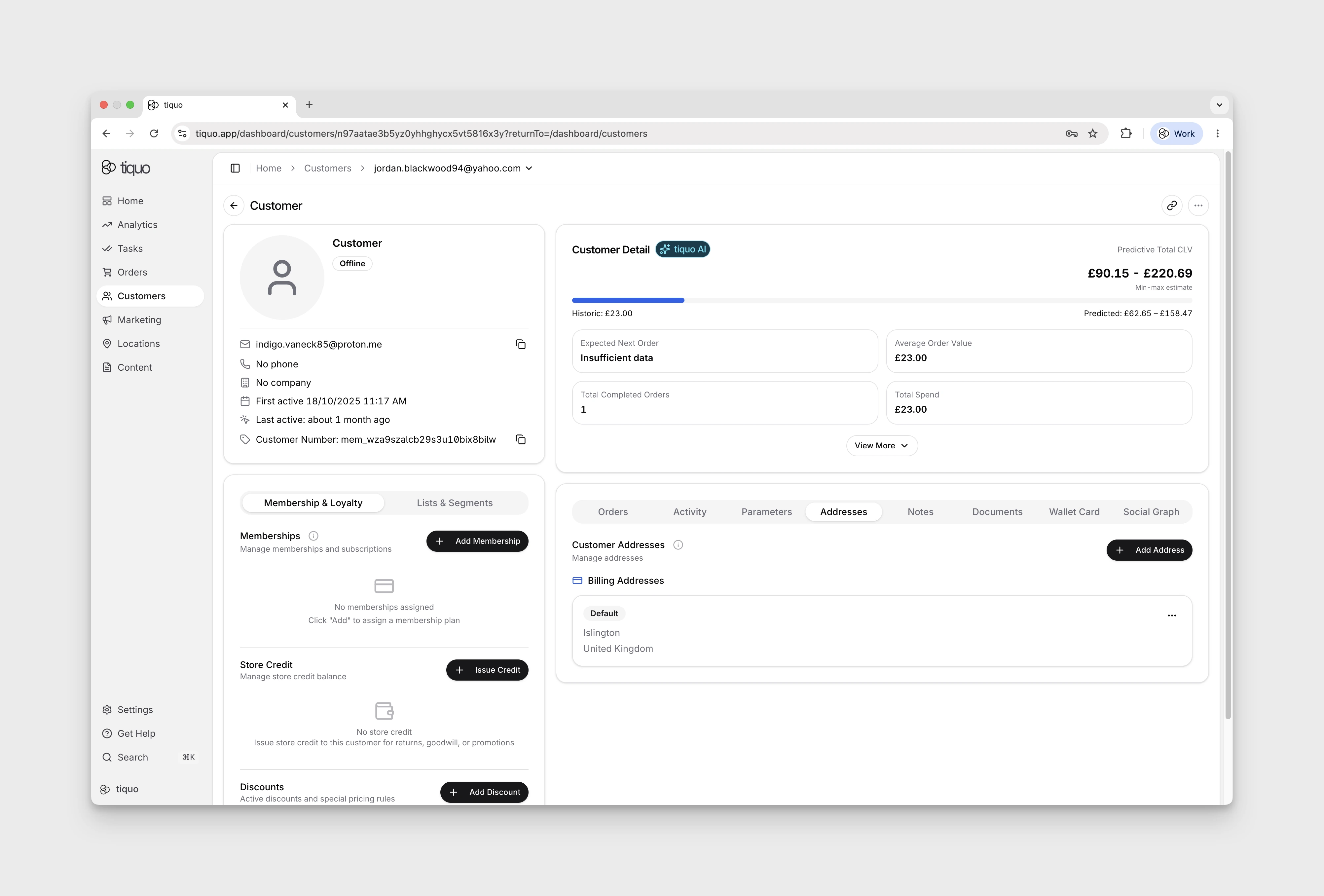
Billing addresses
Billing addresses are used for payments, subscriptions, memberships, and invoices.
When a billing address is added, you can:
- Store the customer's personal or company billing details
- Set the address as the default billing address
- Use it automatically for orders, memberships, and recurring charges
Billing addresses are particularly important when:
- Charging customers via card or subscription
- Issuing invoices or receipts
- Handling VAT or tax calculations that depend on location
If no billing address is set, Tiquo will fall back to the information provided at checkout or payment time where available.
Shipping addresses
Shipping addresses are used for physical product fulfilment and delivery.
When a shipping address is added, you can:
- Store delivery details separately from billing information
- Set a default shipping address
- Select the address when creating or managing orders that require fulfilment
Shipping addresses are typically used when:
- Selling physical products
- Managing deliveries or logistics
- Supporting customers with different billing and delivery locations
Manage billing and shipping addresses separately for both consumer and business customers.