

Customer Analytics
Insights into customer behavior, value, and engagement over time
Customer Analytics uses orders, bookings, payments, and other interactions to measure customer value and engagement over time. Use it to find behavioural patterns and track growth and retention.
Customer analytics appear both within customer profiles and across platform analytics dashboards.
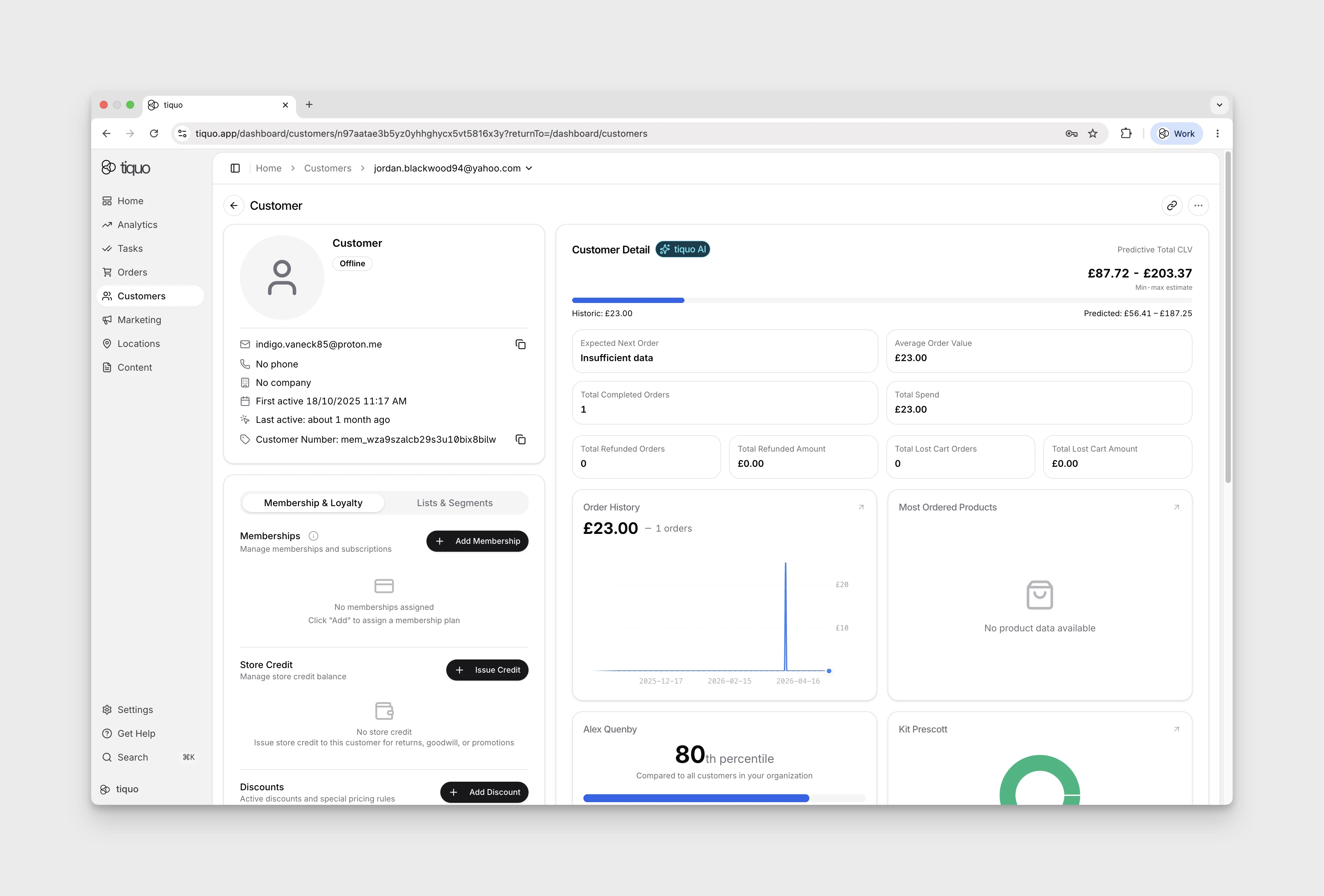
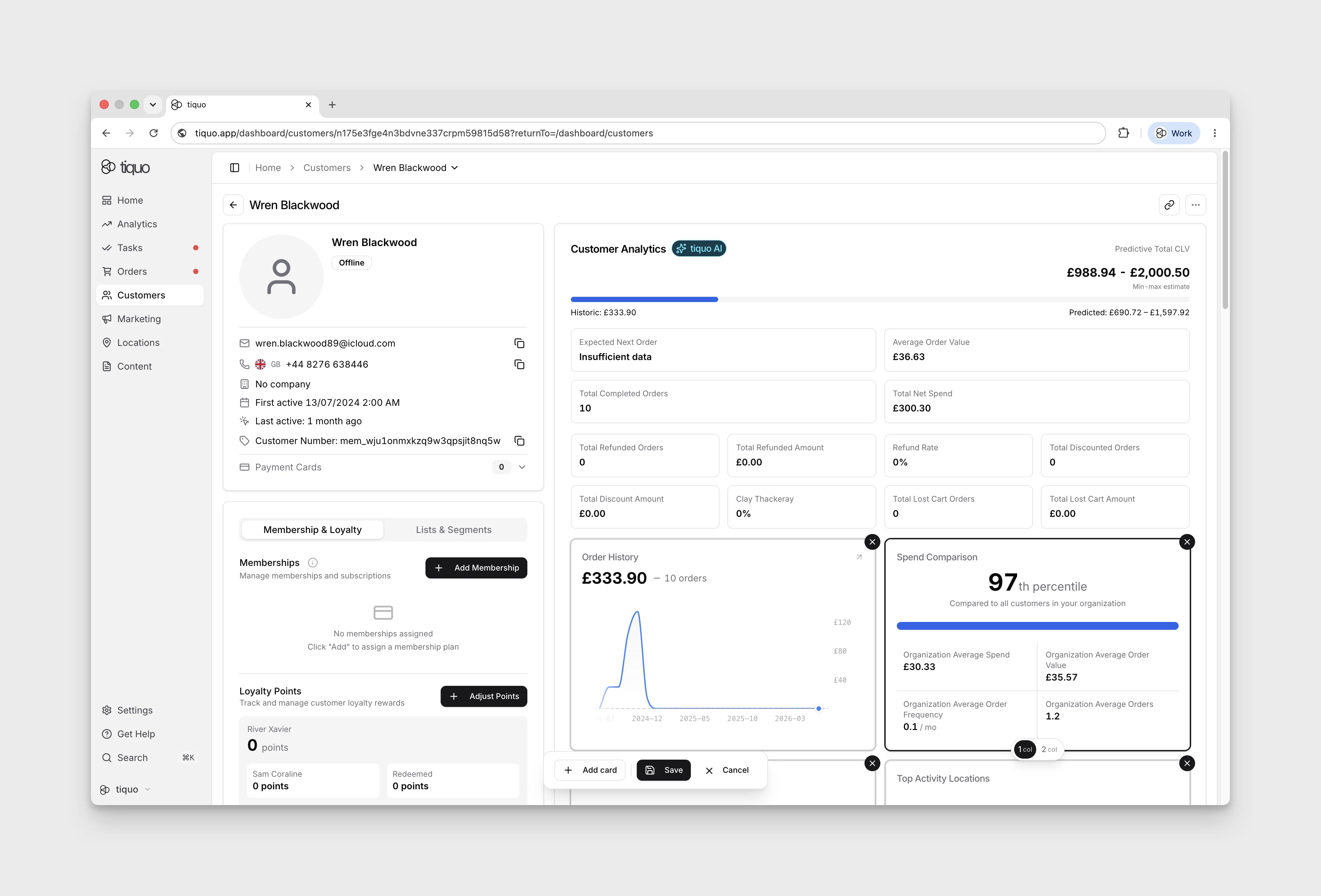
Editing the customer analytics layout
The analytics shown on a customer's detail page is customisable. Expand the customer analytics area and press the Edit button at the bottom right to enter edit mode, where you can add, remove, rearrange, and resize the analytics cards that appear on the profile.
This lets staff tailor the per-customer analytics view to the metrics they care about, whether that is CLV and visit recency for front-of-house, or order mix and category spend for management.
Analytics can be viewed at multiple levels, including:
- Individual customer profiles
- Sublocations
- Locations
- Organization-wide reporting
Customer value metrics
Customer value metrics help businesses understand how much value a customer generates over time.
Examples include:
- Predictive Customer Lifetime Value (CLV)
- Historic Customer Lifetime Value
- Predicted CLV Uplift
- Customer Average Order Value
- Customer Total Orders
- Customer Total Spend
Predictive insights
The platform includes predictive analytics that estimate future customer behavior based on historical activity.
Examples include:
- Predictive Customer Lifetime Value
- Predicted CLV Uplift
- Expected Next Order Date Range
Customer behavior metrics
Customer behavior metrics track how customers interact with the business.
Examples include:
- Customer Retention Rate
- Returning Customers
- Unique Customers
- Activity Rate
The per-customer card library also includes time-pattern and attendance views. Depending on the available history, staff can add charts for ordering and booking activity by hour or weekday, spend by weekday, online compared with in-person activity, booking attendance, and no-shows over time.
These charts use the same customer record but answer different questions: when the customer usually buys, when their bookings take place, and whether they tend to attend. Treat sparse histories as directional rather than a stable pattern.
Customer growth metrics
Customer growth metrics measure how the customer base evolves over time.
Examples include:
- Active Customers
- Inactive Customers
- New Customers
- Existing Customers
- Growth Rate
- Total Customers
Profile creation and customer registration
Analytics distinguishes profiles being created from customers completing a registration activity. Customer Profile Creation charts count non-deleted profiles created in the selected period. Customer Registrations charts count completed customer.registered activity events in that period and can group those events by time or recorded sublocation.
This distinction matters when profiles are imported or created by staff before the customer later completes their own registration.
Data sources
Customer analytics are generated from activity across the platform.
This may include events such as:
- Orders
- Bookings
- Payments
- Visits
- Customer interactions
The analytics engine aggregates these events to produce behavioral insights and predictive metrics.
Analytics update in real time as new activity occurs within the system.