

Content
View and manage Tiquo-connected sites enabled for your organisation
Content lists Tiquo-connected websites that have been enabled for your organisation. It is not a self-service website-creation product: initial site creation, repository configuration, and CMS enablement are managed with the Tiquo team.
Connecting your own website
Use the documented web packages and APIs when you control an existing website or application:
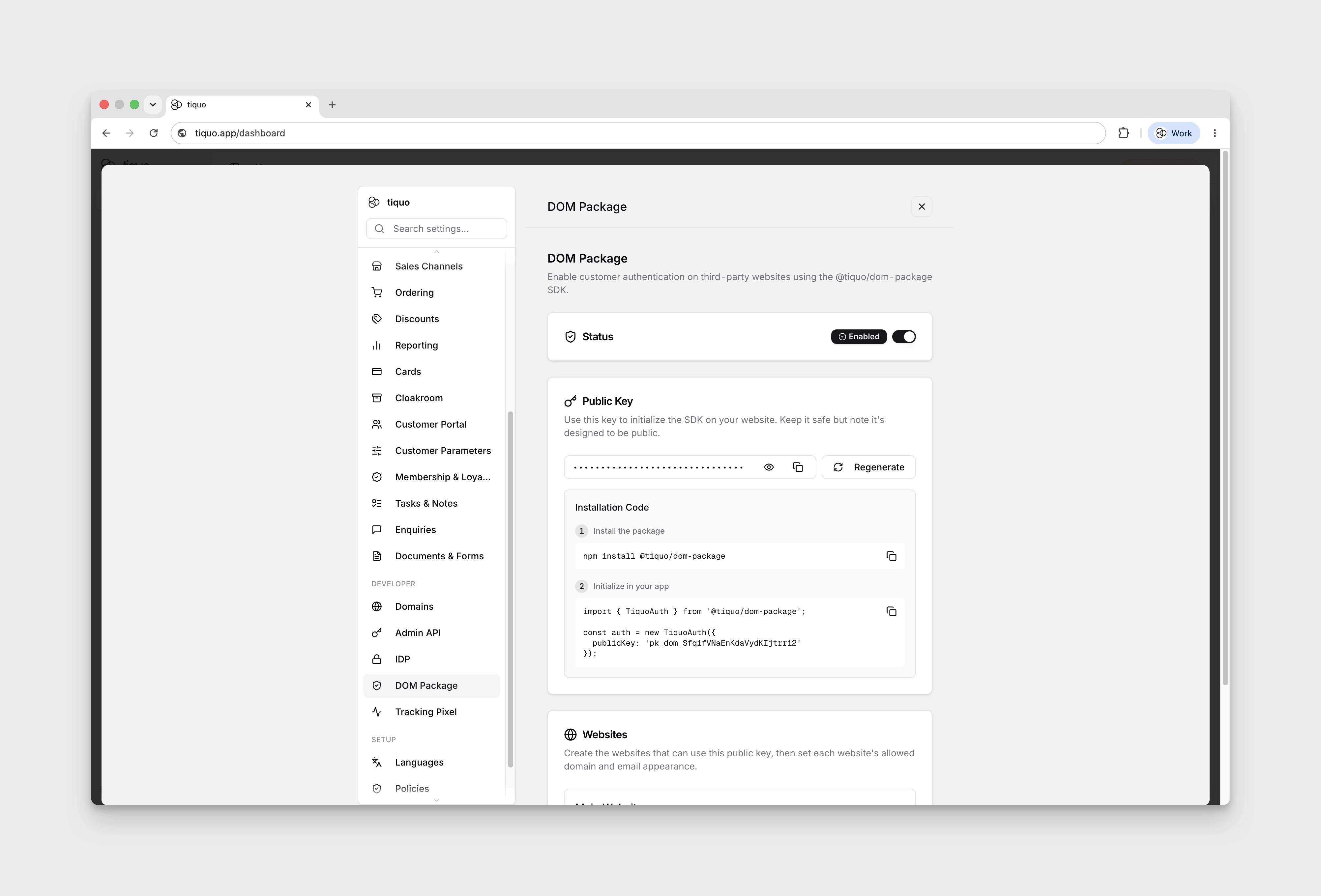
- The DOM Package is a headless npm SDK for customer authentication, profiles, orders, bookings, enquiries, service catalogs, membership and booking embeds, and first-party website analytics. Your application supplies the finished interface.
- The Hosted Package provides script-tag integrations for Webflow, Wix, Squarespace, Framer, Shopify, and other hosted site builders.
- The OAuth/OIDC IDP integration lets external applications authenticate customers through Tiquo for single sign-on style customer experiences.
These options are configured from the Developer section of Settings. Follow the dedicated API reference rather than the Content page when installing them.
Tiquo-managed sites
When Tiquo has built or connected a site for your organisation, the site can appear under Content. Site setup requires an organisation-level CMS feature flag and the appropriate content.manage permission.
Open content
- Open Content from the main sidebar.
- Select a site card. Cards show the site name, status, type, page count, and configured domains.
- The site opens on Website Analytics.
- Use Open Site to visit the live website. If CMS access has been provisioned, use Enable CMS or the available CMS controls to open its managed content workspace.
If no CMS is enabled for the organisation, the Content page explains that the feature must be enabled before sites can be managed.
Pages and imports
The top-level page structure is sourced from the repository and manifest configured for the site. The dashboard imports or resynchronises that configured source; it does not provide a general-purpose flow for creating an unrelated website or freely adding new top-level pages.
After Tiquo has configured the source and enabled CMS access, authorised staff can review the imported page tree and manage the content controls exposed for that site. Contact the Tiquo team when a new site, repository, manifest, or top-level route needs to be added.
Media library
The managed content workspace includes an organisation media library for reusable images and PDFs. Upload by browsing or drag-and-drop; each file can be up to 10 MB. Supported image formats are JPEG, PNG, GIF, and WebP.
Search uses file names, alt text, and keywords. Open an asset to edit its alt text and keyword list. Deleting an asset is permanent, so check where it is used before confirming removal.
When Settings > Tiquo AI > Media Intelligence and Semantic Search is enabled, newly uploaded images can receive generated searchable keywords and existing unindexed images are processed in the background. Disabling it stops new image analysis without removing keywords already saved on media assets.
Permissions
Access to Content is controlled by the organisation CMS feature flag and staff permissions. A user without content.manage cannot manage site content even when the organisation has a connected site.
Analytics
Tiquo records first-party website analytics for connected content sites.
Site analytics can show page activity, sessions, traffic sources, devices, and known-customer behaviour where customer authentication is available.
For more detail, see Website Analytics.