

T600 Terminal
Dedicated dock-mounted customer display for paired Tiquo checkout
T600 terminal
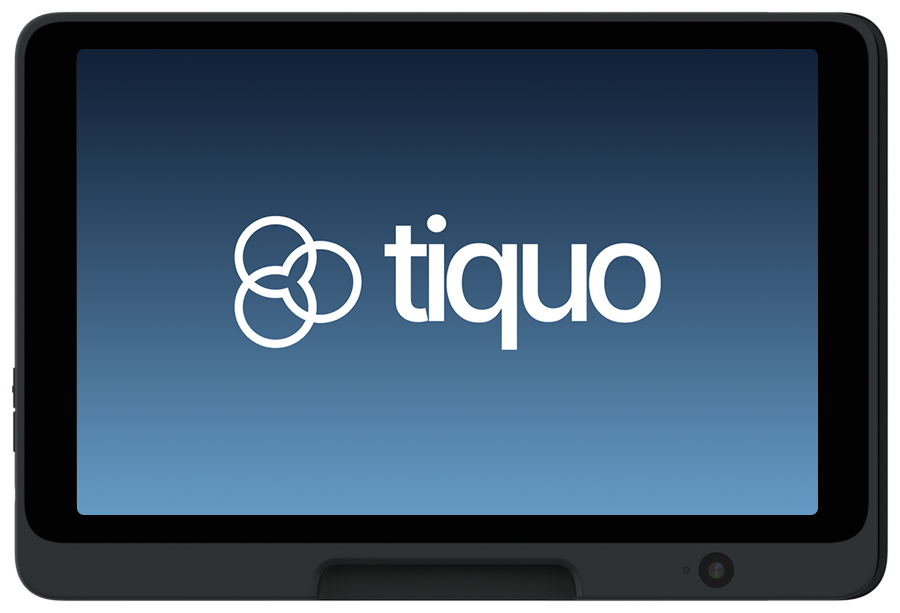
The T600 is a countertop, dock-mounted customer display for a paired Tiquo checkout. It shows the live basket, totals, tipping, payment progress, and receipt experience while staff retain control on the paired host device.
The T600 runs in dock-only mode. It does not provide access to the standard POS or other application tabs.
Pricing
UK: £249.00 · Europe: €289.00 · US: US$329.00
Open Settings → Hardware and choose GBP, EUR or USD to see current prices and availability. Taxes are shown separately.
The T600 is currently marked Coming Soon in the hardware catalogue.
Best for: Fixed checkout counters that need a large, dedicated customer-facing basket and payment display.
Key features
- 8.0-inch IPS LCD display with Dragontrail glass (1280 x 800, 500 nits)
- Chip, contactless, and magstripe payments
- Apple Pay, Google Pay, and other digital wallets
- Wi-Fi, Bluetooth, and Ethernet (via hub) connectivity
- USB-C powered for permanent countertop installation
- On-reader tipping flows
- Branded idle, basket, tipping, payment, and receipt states
- Forced landscape, dark, and immersive display modes
- 5MP front-facing camera (future support) and audio jack
- 500g unit, 205 x 139 mm tablet face, 25mm height (57mm with base)
- Android 15, Qualcomm SM6125, 4GB RAM, 64GB storage
- PCI 6.X certified, P2PE-ready, with end-to-end encryption and PIN support
Setup
Unbox the terminal
Carefully remove the T600 terminal and base from the packaging.
Connect to power
Connect the terminal to power using the supplied USB-C power adapter. The T600 is designed for permanent countertop power.
Connect to network
Connect to Wi-Fi, or use an Ethernet hub for wired connectivity.
Sign in and select the organisation
Sign in on the T600. A sole organisation membership is selected automatically. If the account has more than one organisation, select the correct one.
Pair the display
Pair the T600 with the staff checkout host and confirm that a test basket, totals, payment state, and receipt appear on the customer display.
Network setup
| Connection | Setup |
|---|---|
| Wi-Fi | Go to Settings → Network → Wi-Fi and select your network |
| Ethernet | Connect via a supported USB-C hub |
Usage
Processing payments
- Create or select an order on the paired staff checkout
- Confirm that the T600 shows the basket and totals
- Continue to payment on the staff device
- The T600 presents the supported customer prompts and payment state
- Complete the transaction and offer the receipt
Supported payment methods
- Chip and PIN
- Contactless (tap)
- Apple Pay
- Google Pay
- Magnetic stripe (swipe)
Customer-facing display
The T600's large screen is dedicated to customer-facing checkout:
- Show order summary and totals to the customer
- Prompt for tip with configurable presets
- Display branded splash screens between transactions
- Show payment progress and receipt states without exposing staff navigation
Idle controls
Pull down on the idle screen to open device controls. Accounts with several organisation memberships can switch organisation; staff can also sign out. These controls do not provide a route into the POS.
Maintenance
- Keep the device updated while powered and connected
- Clean the touchscreen and card reader regularly
- Avoid moisture and extreme temperatures