

How do I find a setting?
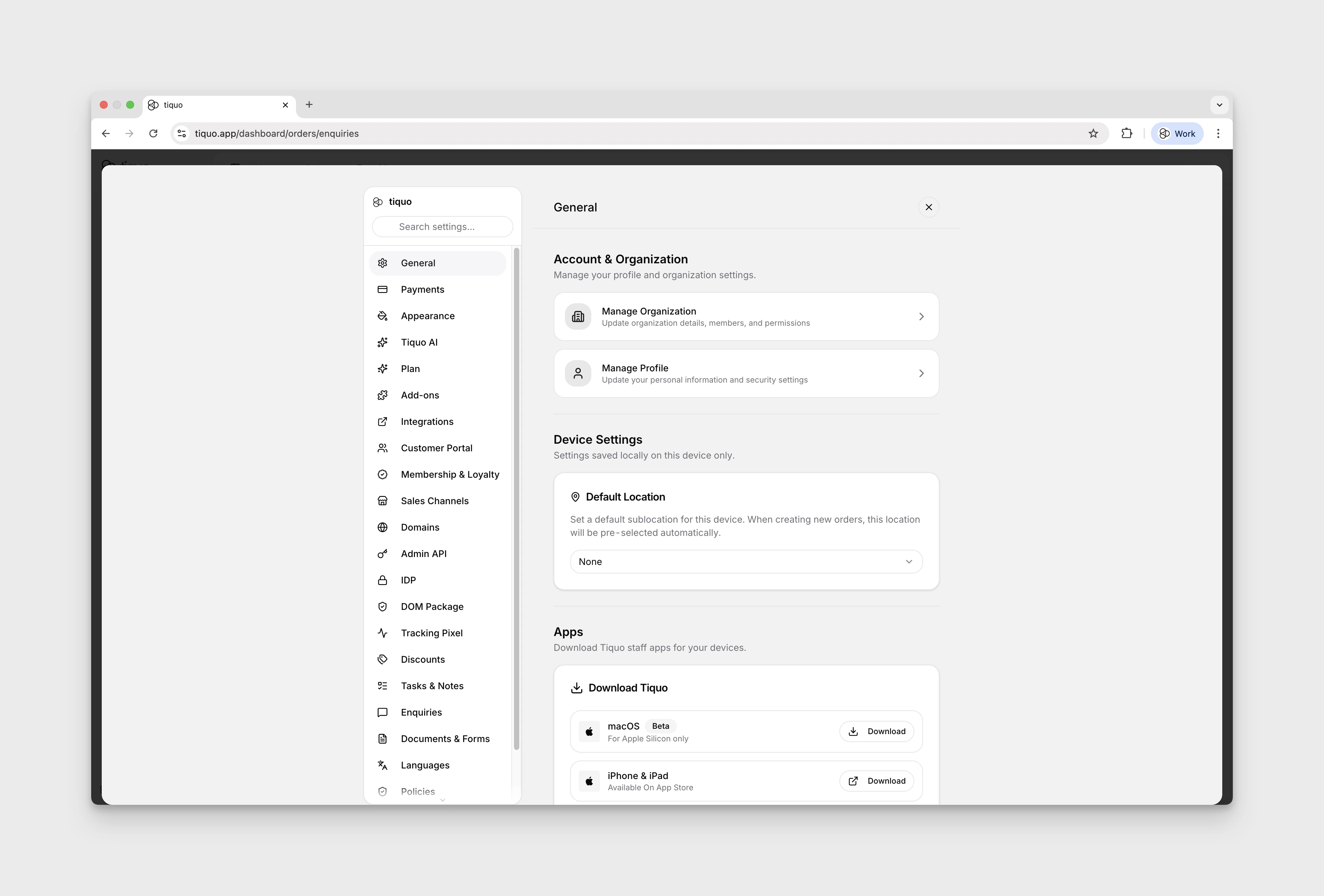
Open Settings and search for the control you need.
- Click the gear icon at the bottom of the main sidebar.
- Choose a section and setting from the navigation on the left.
- Use Settings search when you know the control you need but not its tab.
The tabs shown to each user depend on their permissions, organisation features, and preview access. A user may therefore see fewer entries than the full list below.
More help
Browse Settings help articles · Read the full platform guide