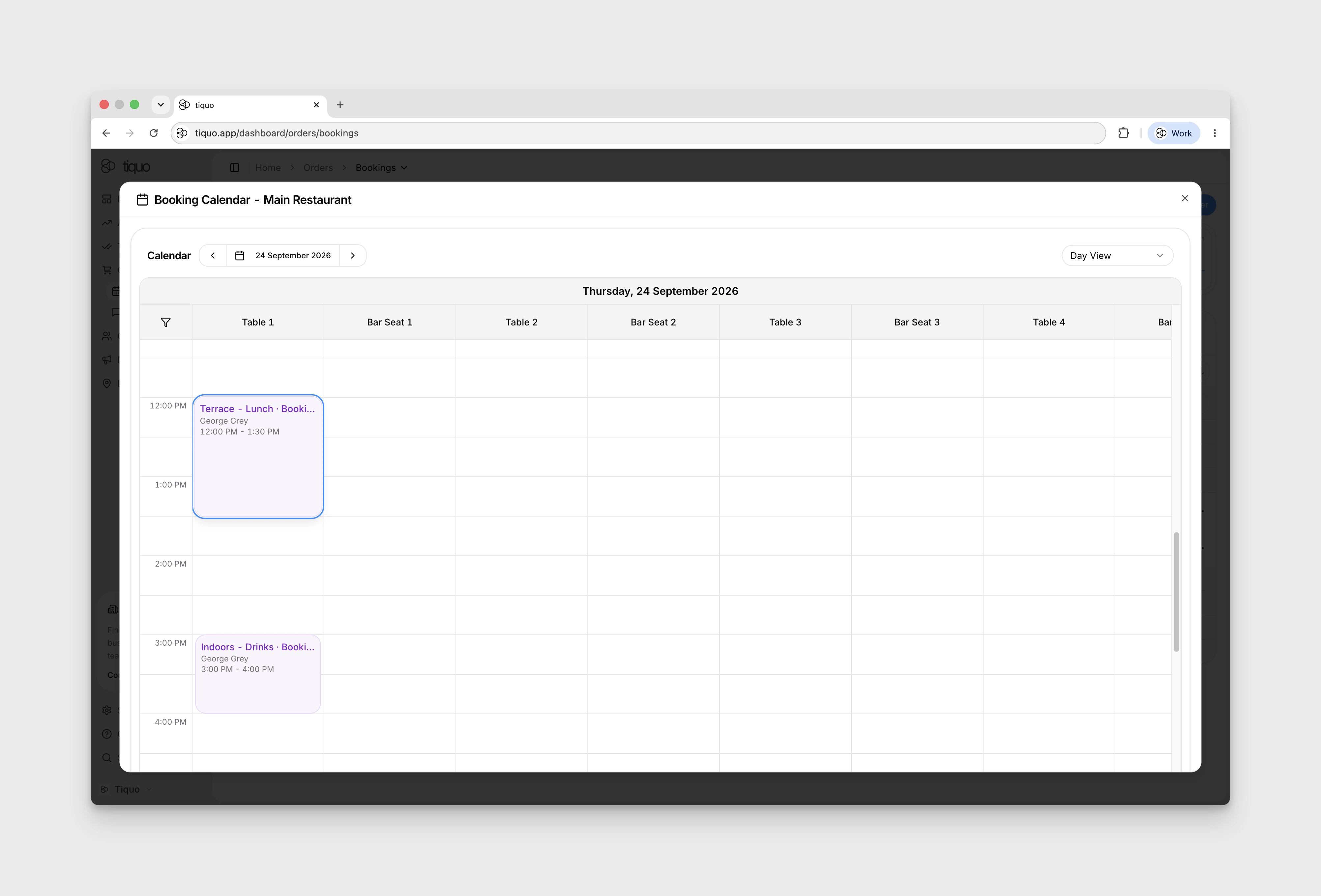
How do I view a booking in the calendar?
Open a booking’s row menu to view it in the calendar.
Open Orders → Bookings, then use a booking row’s three-dot More menu and choose View in Calendar. For older entries, expand Overdue to reveal the rows.
The action opens Booking Calendar for the sublocation. If a warning says the booking cannot be shown because its event or service may have been deleted, do not assume the calendar has located or highlighted that booking correctly.