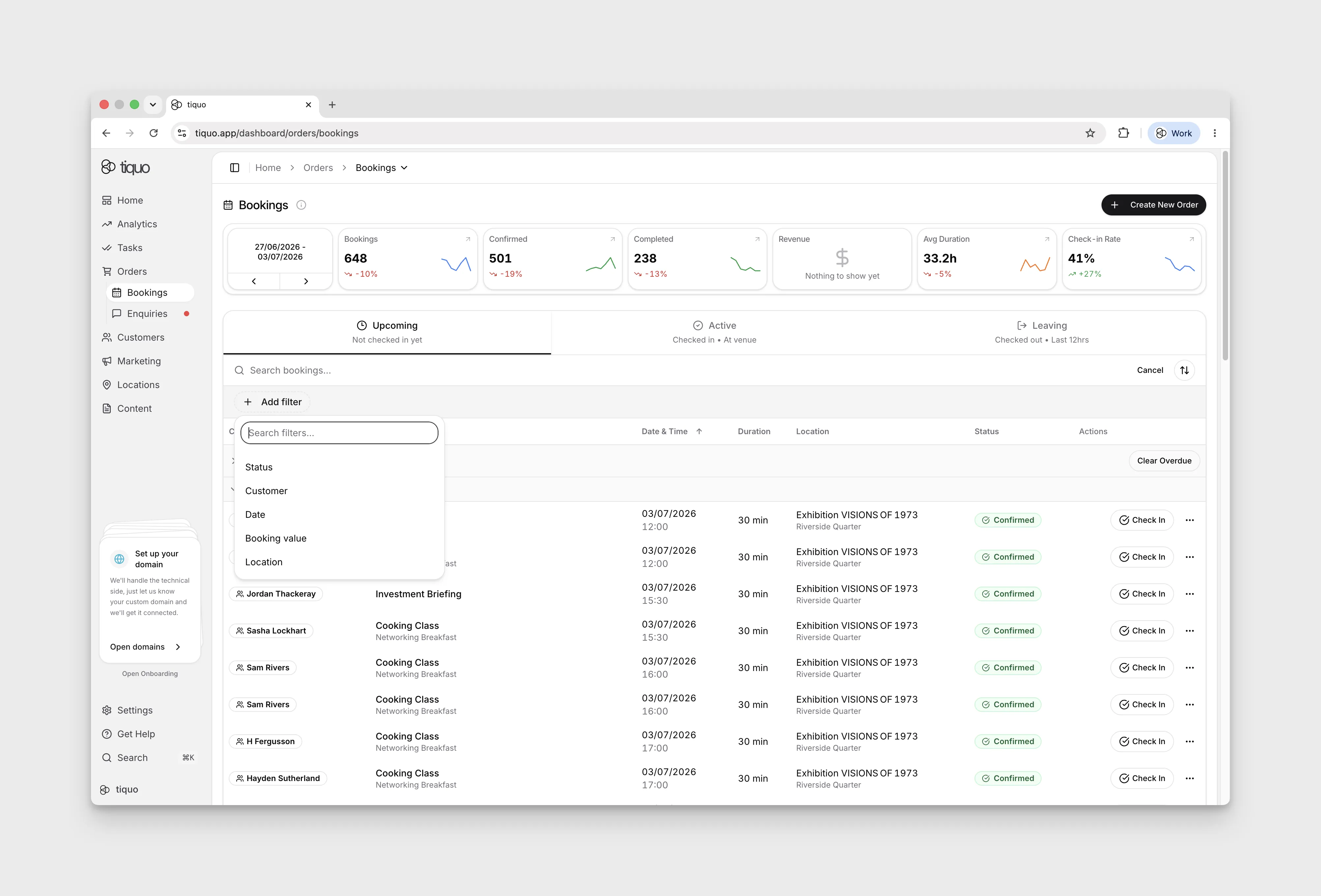
How do I find a booking?
Search bookings or filter by status, customer, date, booking value, currency, and location.
Open Orders → Bookings and select the search icon to reveal Search bookings... and Add filter. Available filters include Status, Customer, Date, Booking value, and Location. Currency is also listed when your venues use more than one currency.
Booking value compares your range with each booking's value in its own venue's currency, without converting between currencies. If your venues use different currencies, add a Currency filter as well so the range only matches bookings in that currency. Each booking's total is shown in its venue's currency.