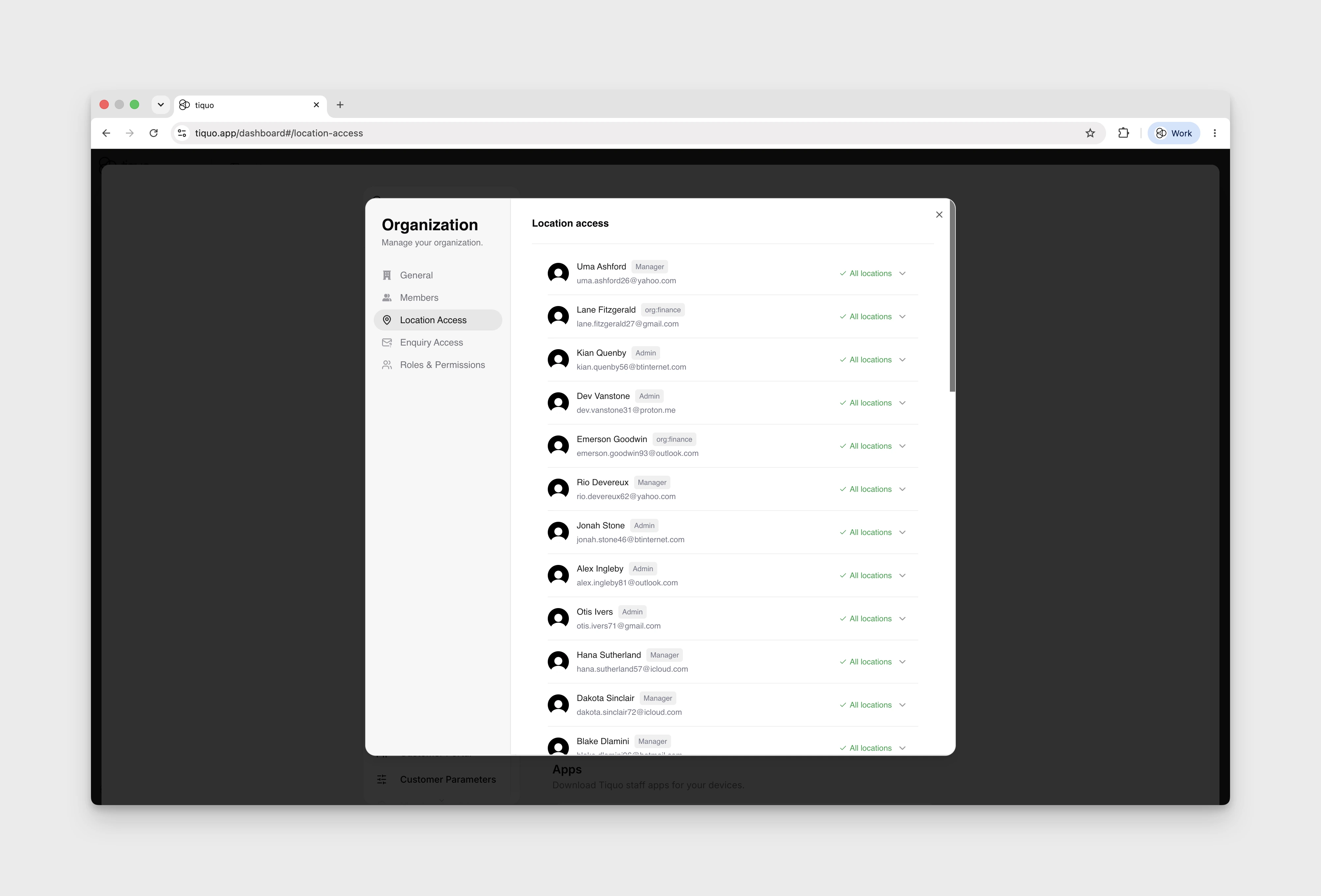
How do I review which locations staff can access?
Review location access, restrict single sublocations, and the Admin access exception.
Open Settings → General → Manage Organization → Location Access, then select a team member to review their location access.
Access is given by parent location, and a location includes all of its sublocations by default, including new ones. To restrict a single sublocation, untick it under the location. The location then shows Some sublocations off, and the team member sees that sublocation's orders and bookings greyed out without being able to open them. Switch the location off and on again to give the whole location back.
Role permissions are managed separately under Roles & Permissions.
Admins automatically have access to all locations. Their location checkboxes are selected and disabled.