How do I give members a recurring perk, like a free monthly class?
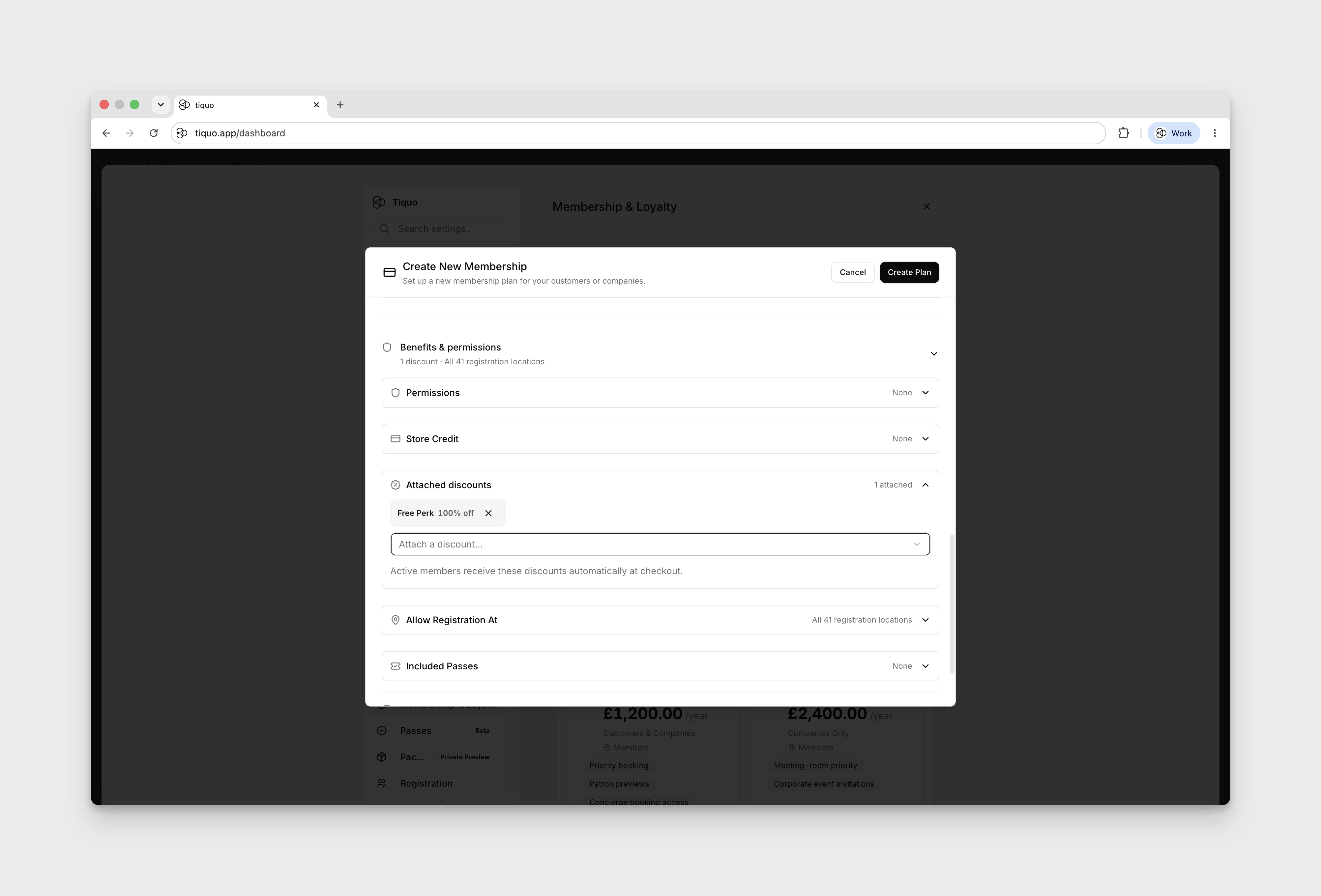
Attach a 100% discount to the membership that is usable once per month for the relevant perk.
Open Settings → Discounts → Add Discount. Choose Percentage, enter 100 under Percentage (%), and use Select services to limit the discount to the relevant class or service.
Set Usage Limit → Once per month per customer. After creating the discount, attach it to the membership plan under Benefits & permissions → Attached discounts.