
How do I customize my Home page?
Add, remove, resize, and rearrange dashboard cards.
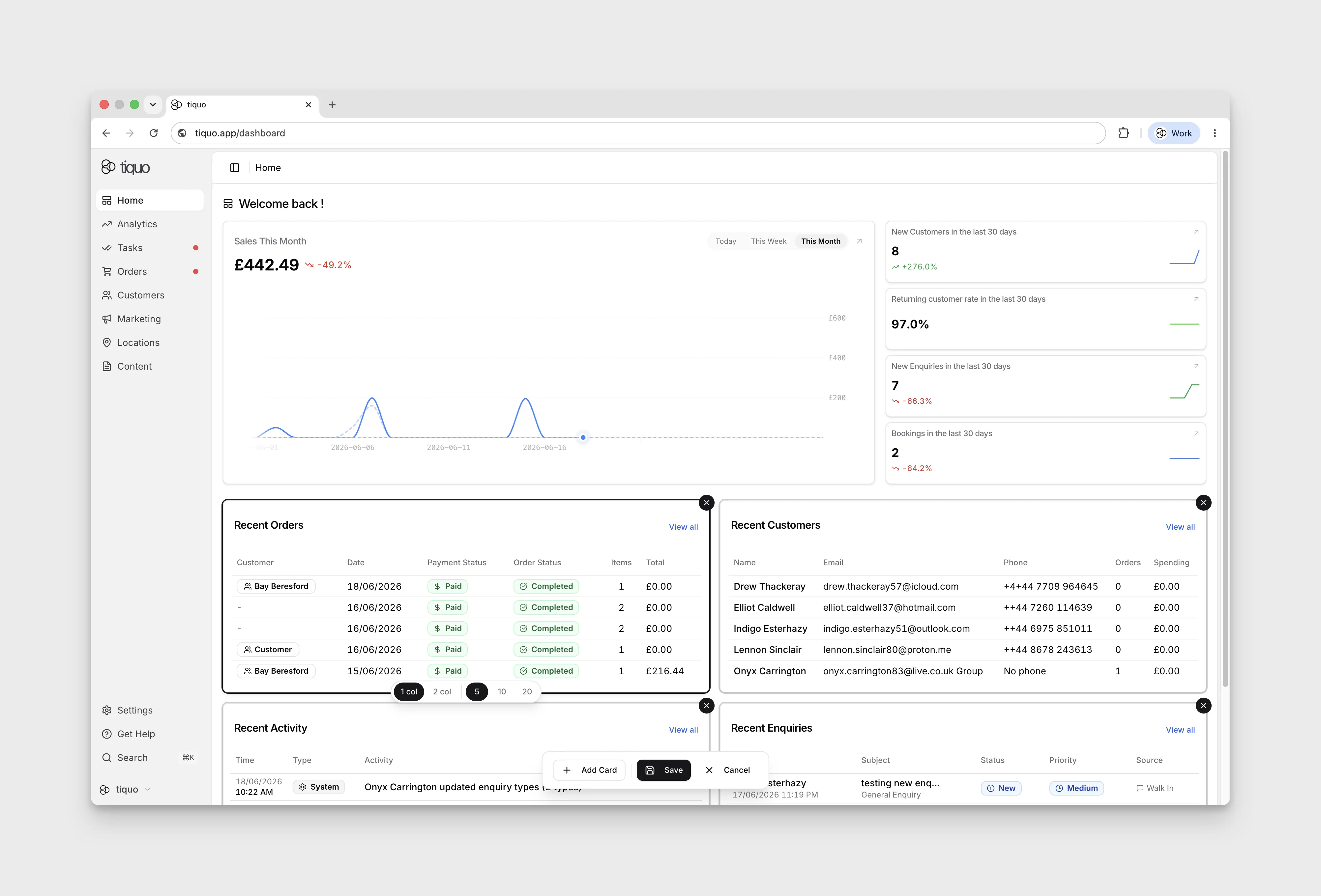
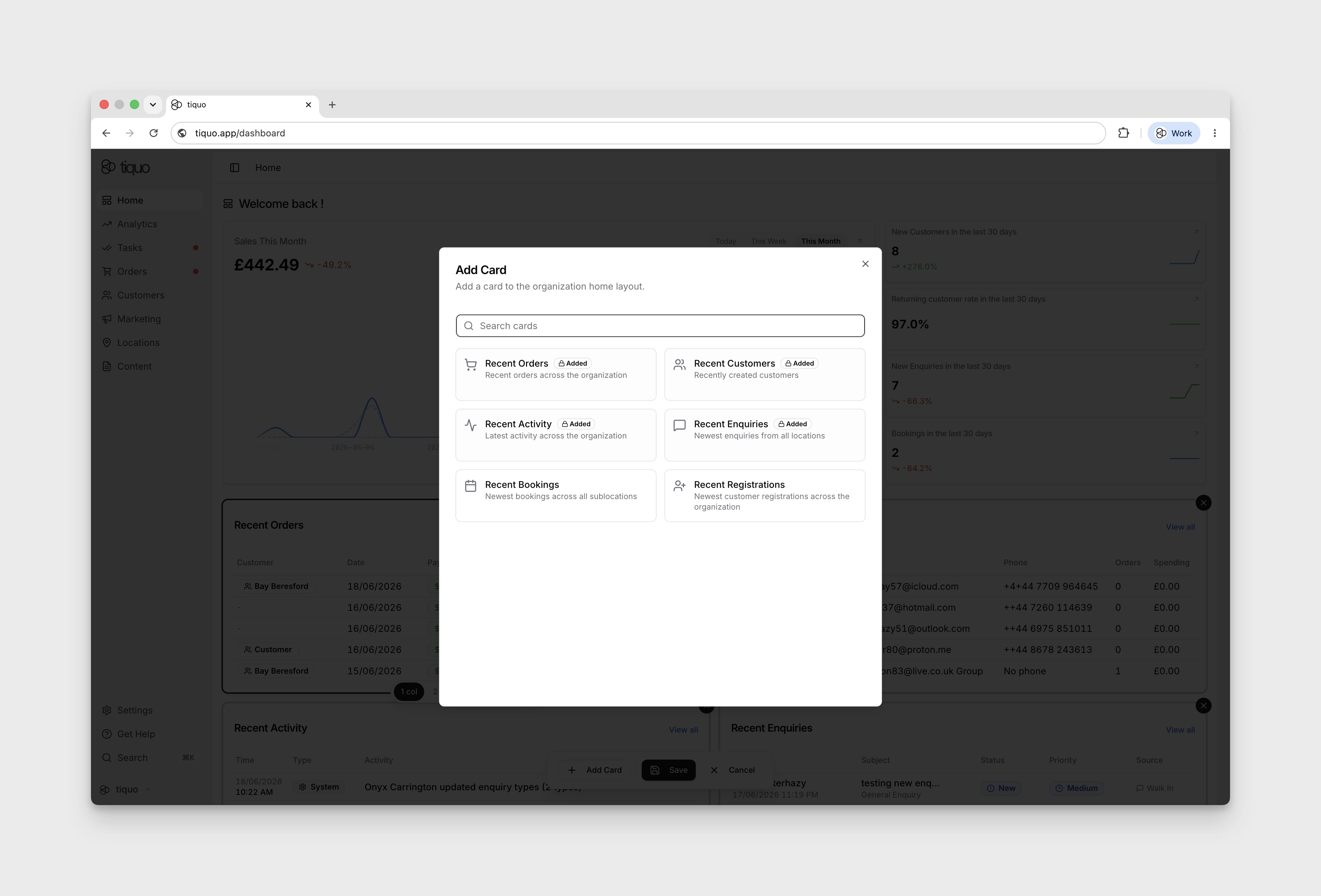
The Home page is customisable. Press the Edit button at the top right to enter edit mode, where you can add, remove, and rearrange cards. Selecting a card also lets you change its width between a single-column and two-column layout.
Some summary cards also let you choose how many records to show, so different teams can tune the Home view around the information they check most often.