

How do I create a task?
Choose a task scope, category, title, and optional assignment.
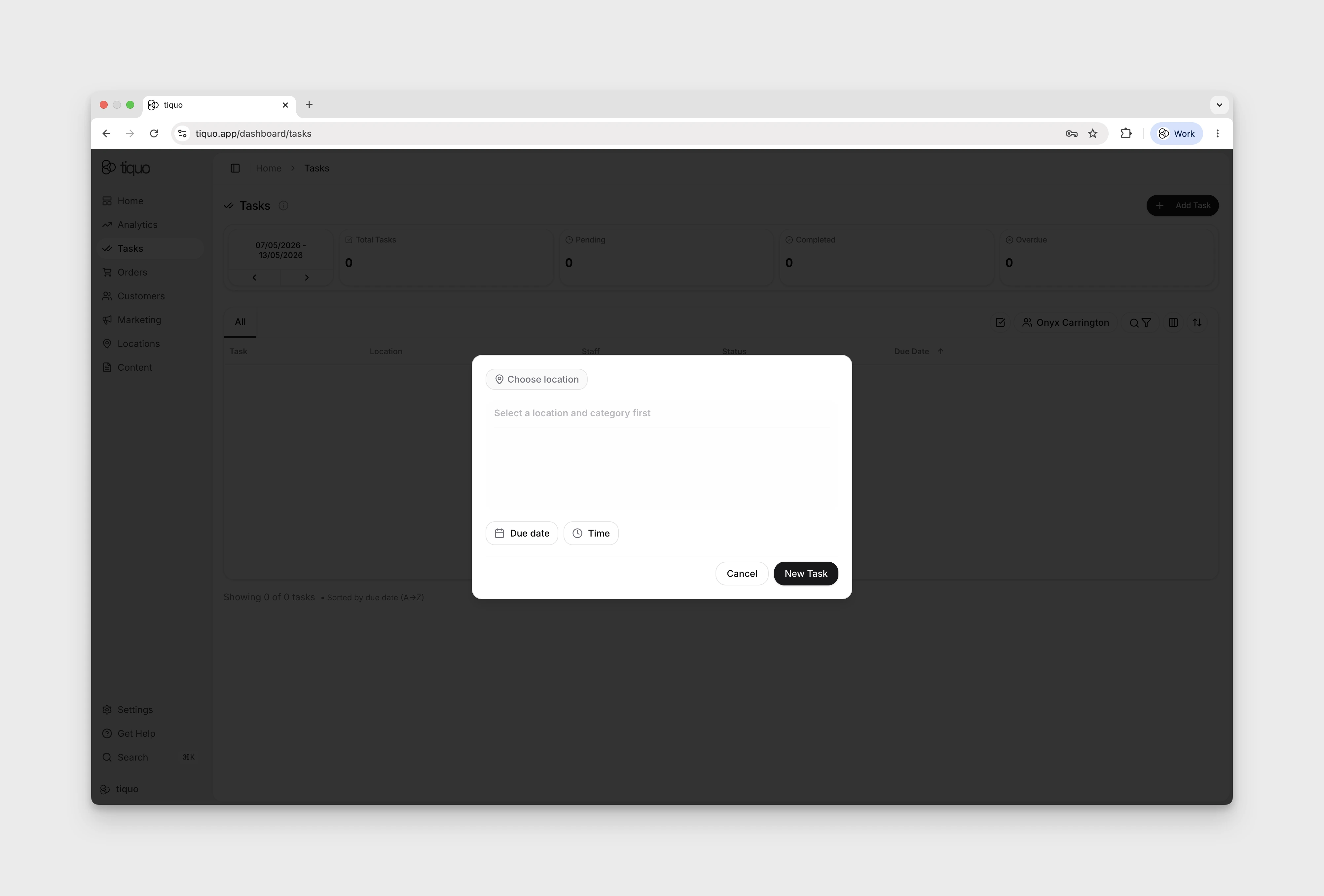
Create tasks from the Tasks page. In the create/edit dialog, link a task to a customer, company, order, enquiry, or sublocation.
When creating a task, the following fields are required:
- Location or general scope
- Task category
- Task title
Optional information may also be added, including:
- Assigned staff members
- Due date and time
- Repeat schedule
- Task description
Once created, the task appears in the task list and can be assigned to staff.
More help
Browse Operations help articles · Read the full platform guide