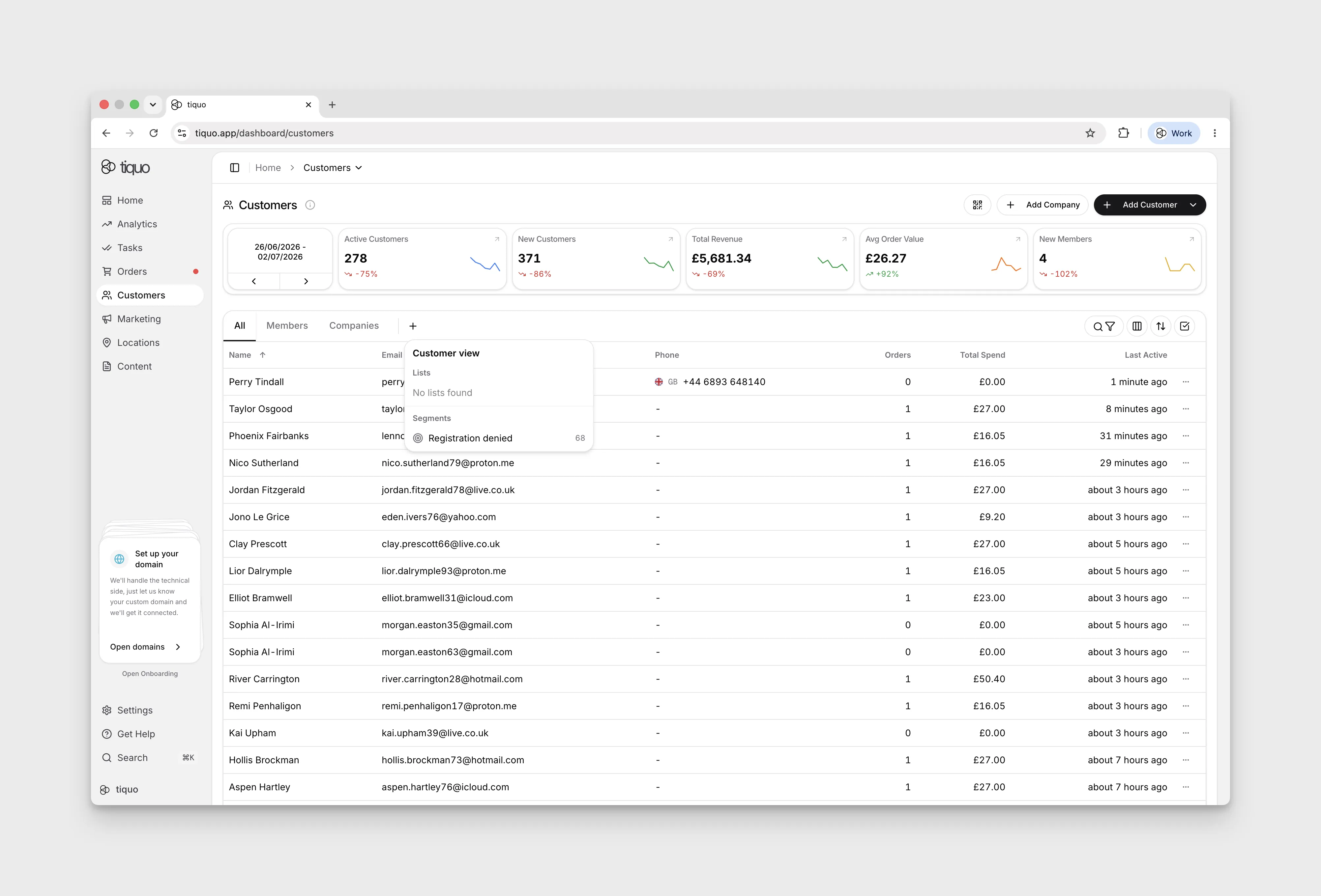
How do I find a customer?
Use customer filters to narrow down the records you need.
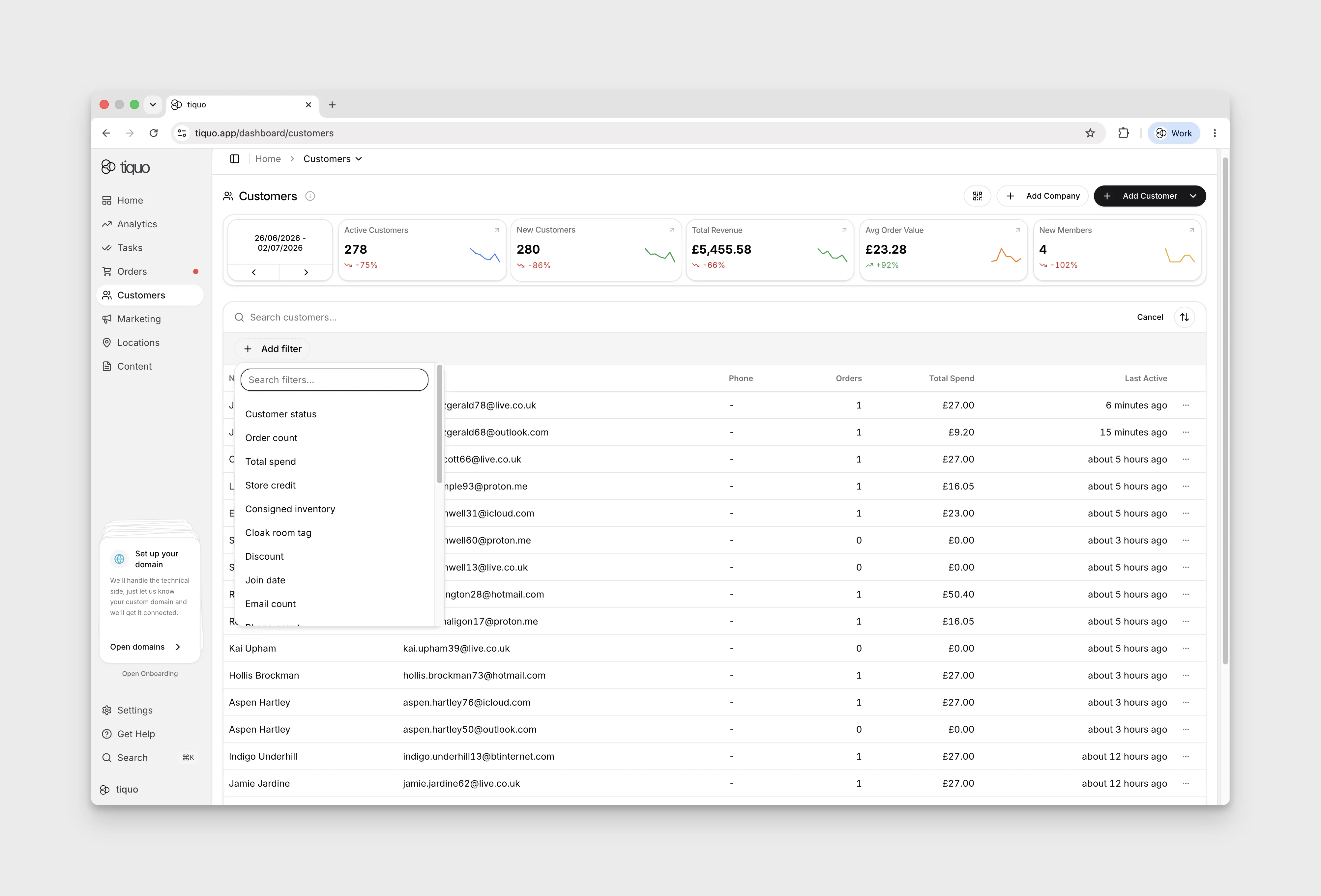
Select the search/filter icon above the Customers table. Search by name, nickname, email, or customer number, or choose Add filter for Customer status, Membership, and configured customer fields. If a phone search returns no match, try another identifier.
Select the + beside the customer tabs to open Customer view, then choose an existing audience under Lists or Segments. Selecting a list or segment adds its tab and shows the customers in that audience.
Choose All to return to the full customer list. In the demo, navigating away and returning to Customers selects All again; the added list or segment tab remains available, so select it again to return to that audience. To remove an added view tab, select it and use Remove [audience name] tab. This removes the tab, not the saved audience.