

How do customers get a link to book an event?
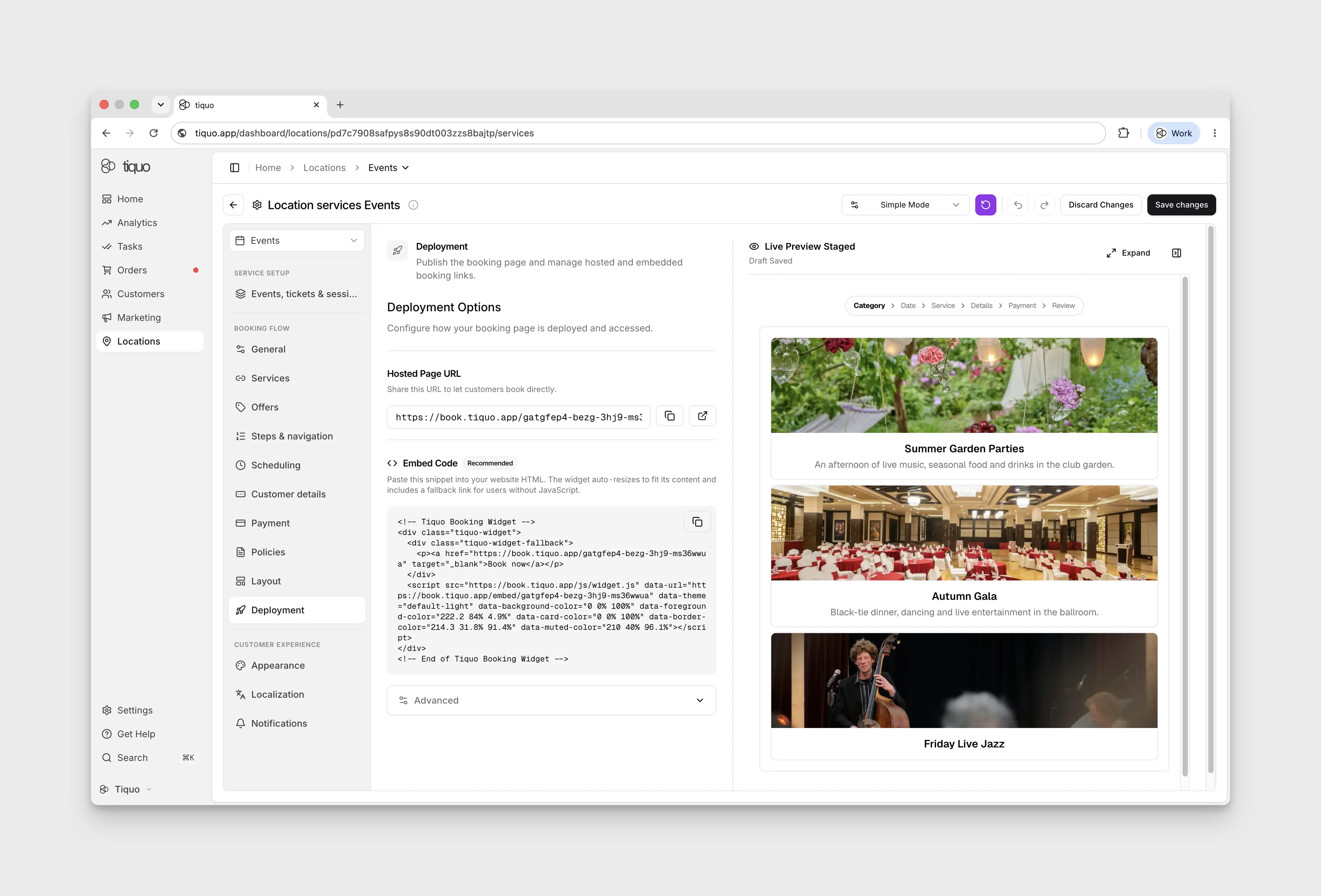
Find the Hosted Page URL and Embed Code under Booking flow → Deployment, or copy a link for one category.
Open the sublocation's Configure Services workspace, then Booking flow → Deployment. The Hosted Page URL and Embed Code are available in Simple Mode; switching to Advanced Mode is not required.
Customer portals are managed separately under Settings → Customer Portal. A portal must be available before you can obtain its link.
Link to one category
To send customers straight to one event or service category, open that category's three-dot menu in Simple Mode and choose Copy booking link. The link opens the hosted booking page with the category already selected and locked, so customers only choose from its ticket types or services.
If any service in the category has access restrictions or booking limits, a Booking link copied dialog lists them, for example membership plans the customer must hold or a limit per customer. The link does not change these rules. See Share a booking link for one category.