

How do I preview table and pick up tags?
Prepare tag designs for Order to Table or Order & Pick Up.
Table and Pick Up tag previews are configured from Settings → Ordering.
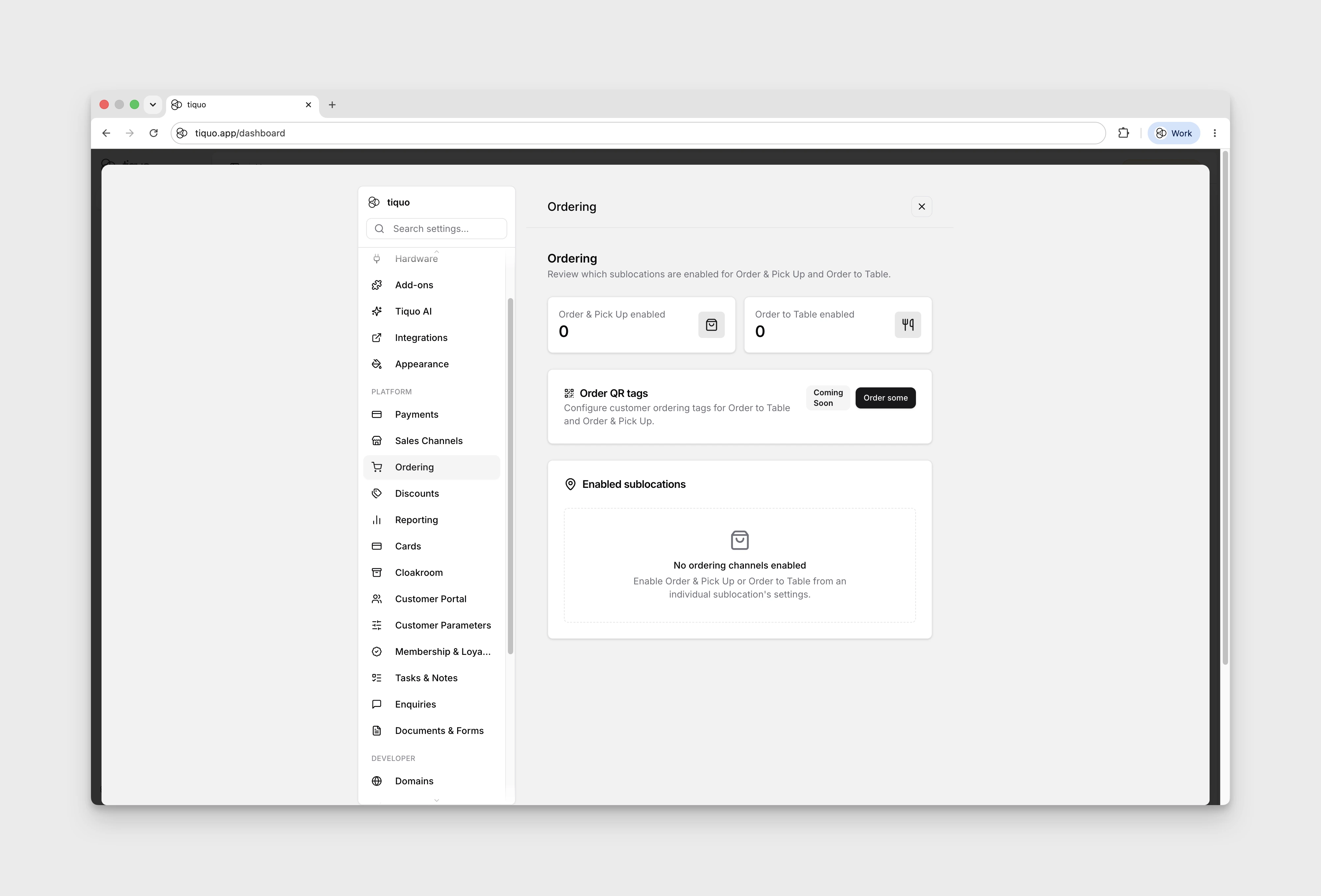
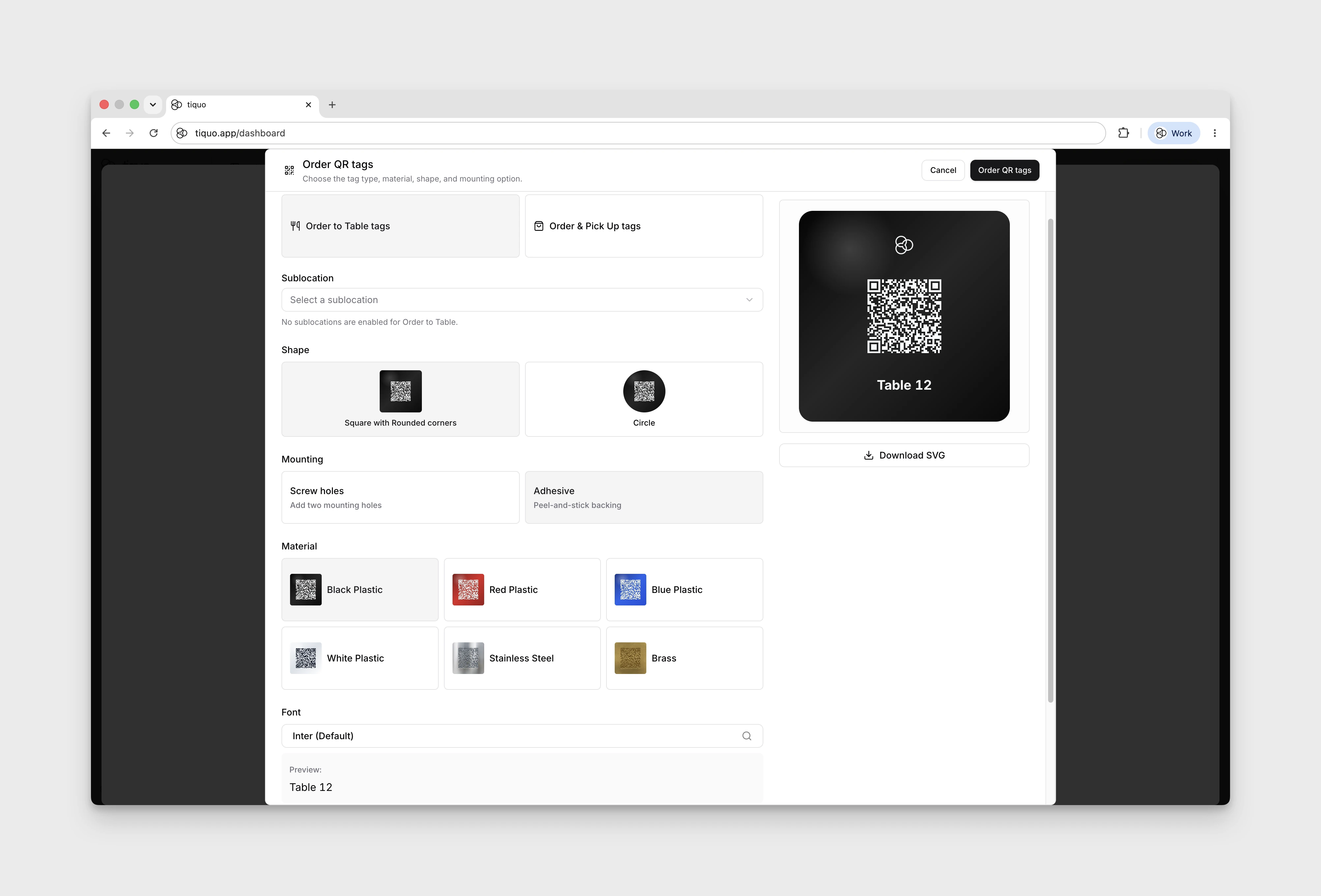
The ordering workflow lets you preview tag designs for Order to Table and Order & Pick Up. You can choose:
- Tag type
- Sublocation
- Shape
- Mounting option
- Material
- Font
- Optional logo
Available material previews include black plastic, red plastic, blue plastic, white plastic, stainless steel, and brass. Metal previews show the number, logo, and QR code as etched markings rather than printed ink.
You can preview the design, material, mounting, and branding, but ordering tags is not yet available.
More help
Browse Table & Pick Up QR Tags help articles · Read the full platform guide