Where can I find the items in an order?
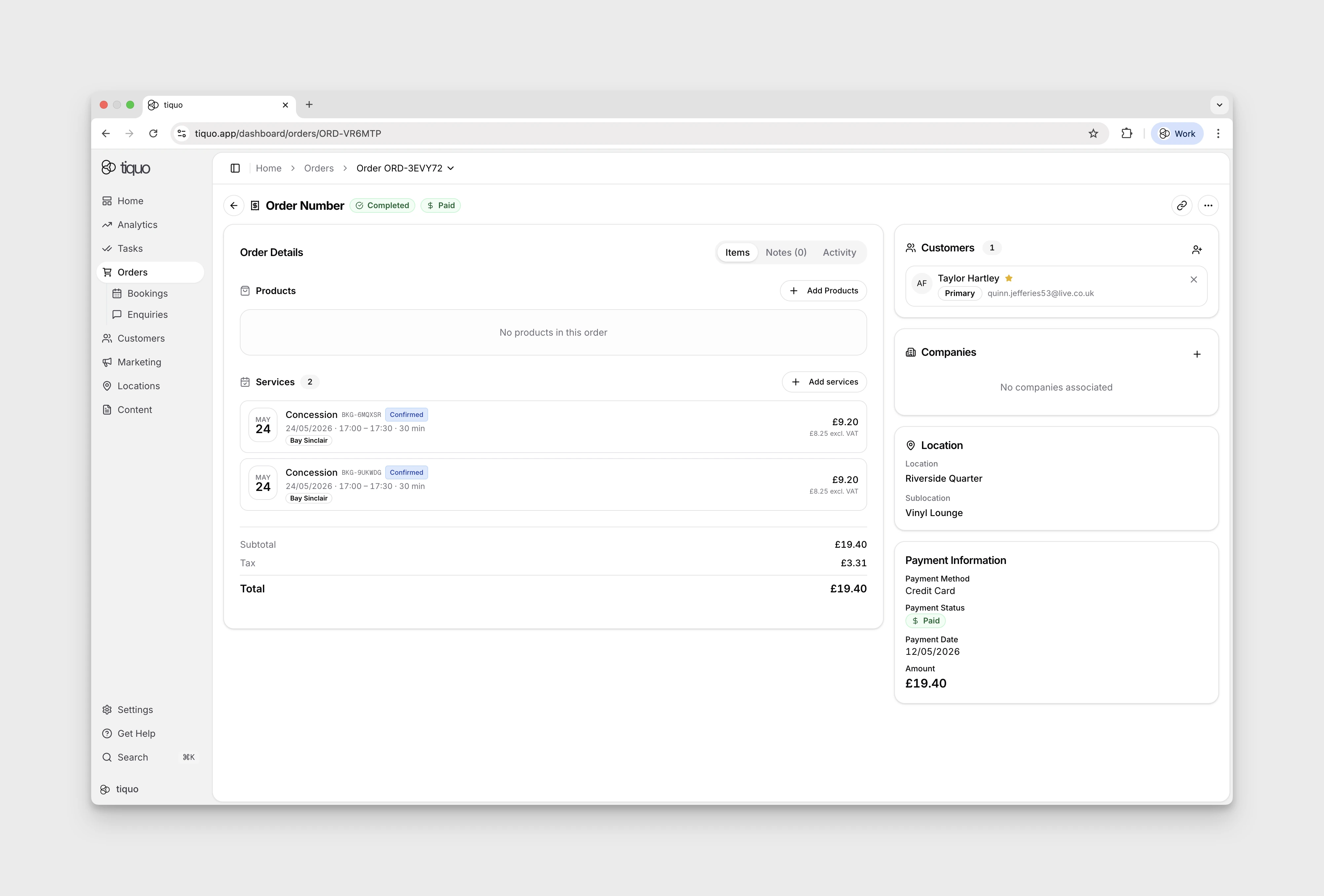
Open an order to see its products and booked services.
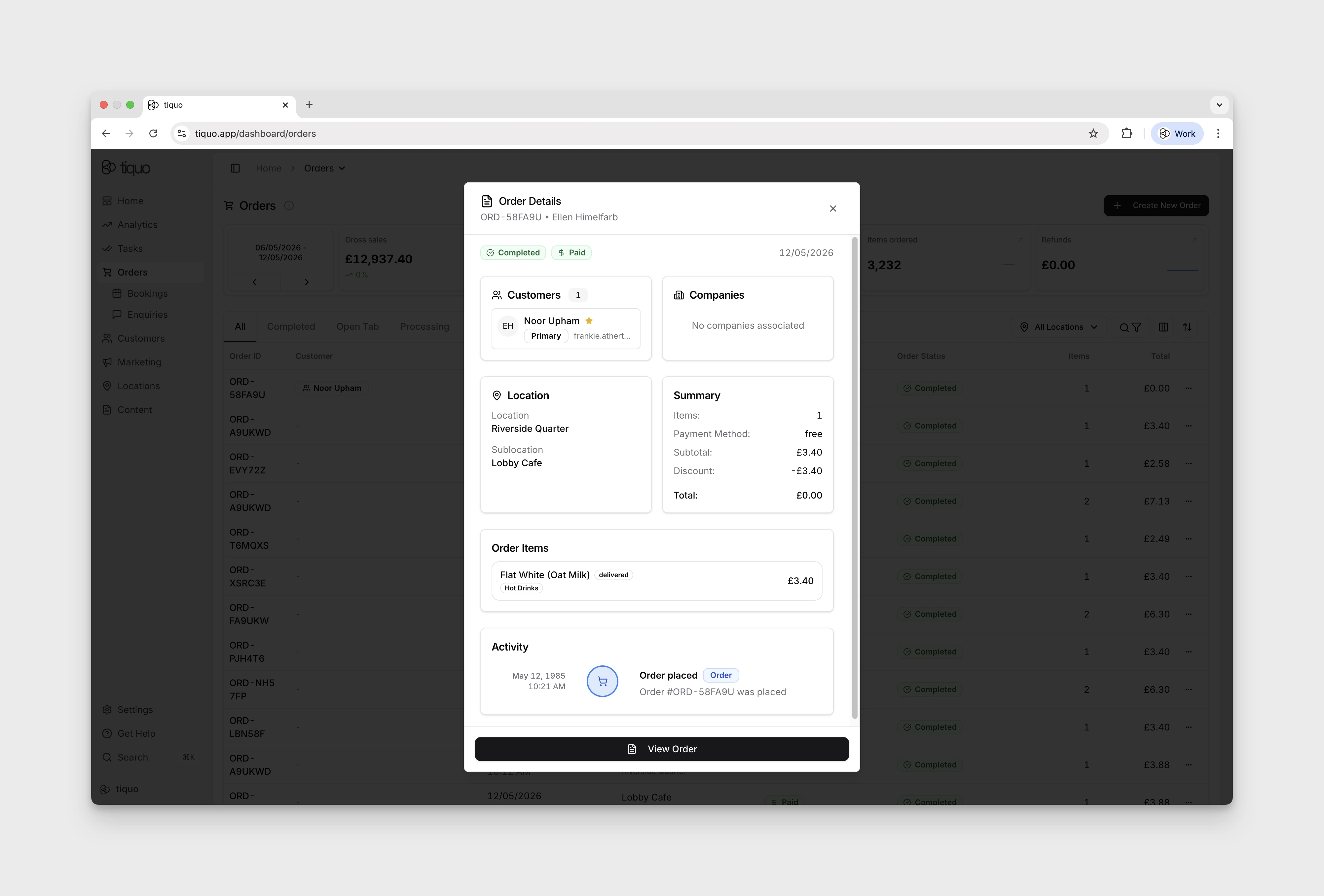
Open Orders and select an order row to open the Order Details preview. Its Order Items section shows the items associated with that order. See Orders for the full order detail workflow.
Select View Order at the bottom of the preview to open the full order page. The Items tab separates Products and Services and shows the order subtotal, tax, and total.
Some rows look different:
- A product voided on an open tab stays in the list, struck through and marked Voided. A product recorded as wastage is marked Wasted.
- A line refunded in part is split into a row for the units still sold and a row marked Refunded for the units returned.
- On an order imported from another system, lines whose type the source did not record are listed under Items.