
How do I find a customer?
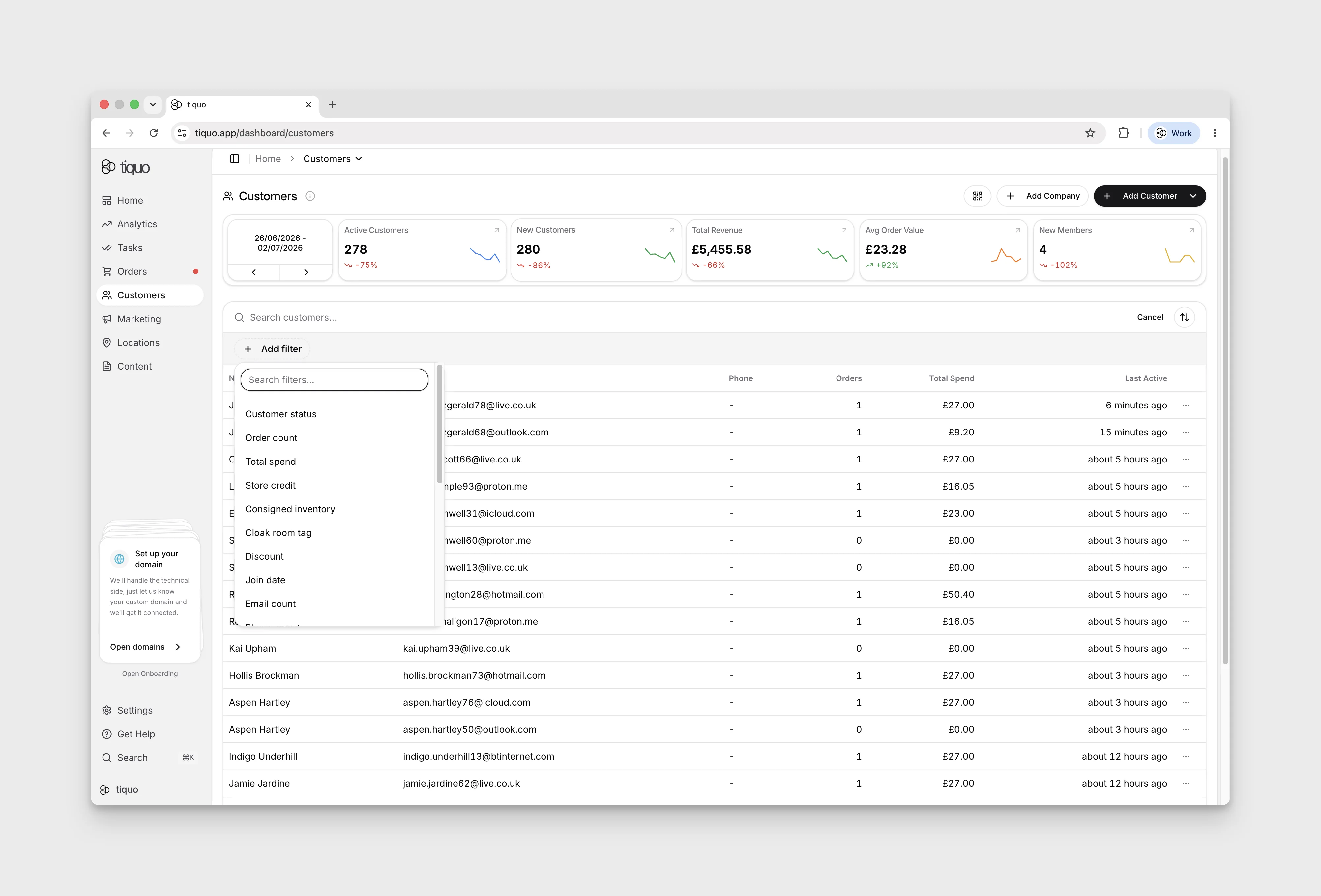
Use customer filters to narrow down the records you need.
Filter customers by name, contact details, status, membership, or any custom customer parameters your organisation has configured.
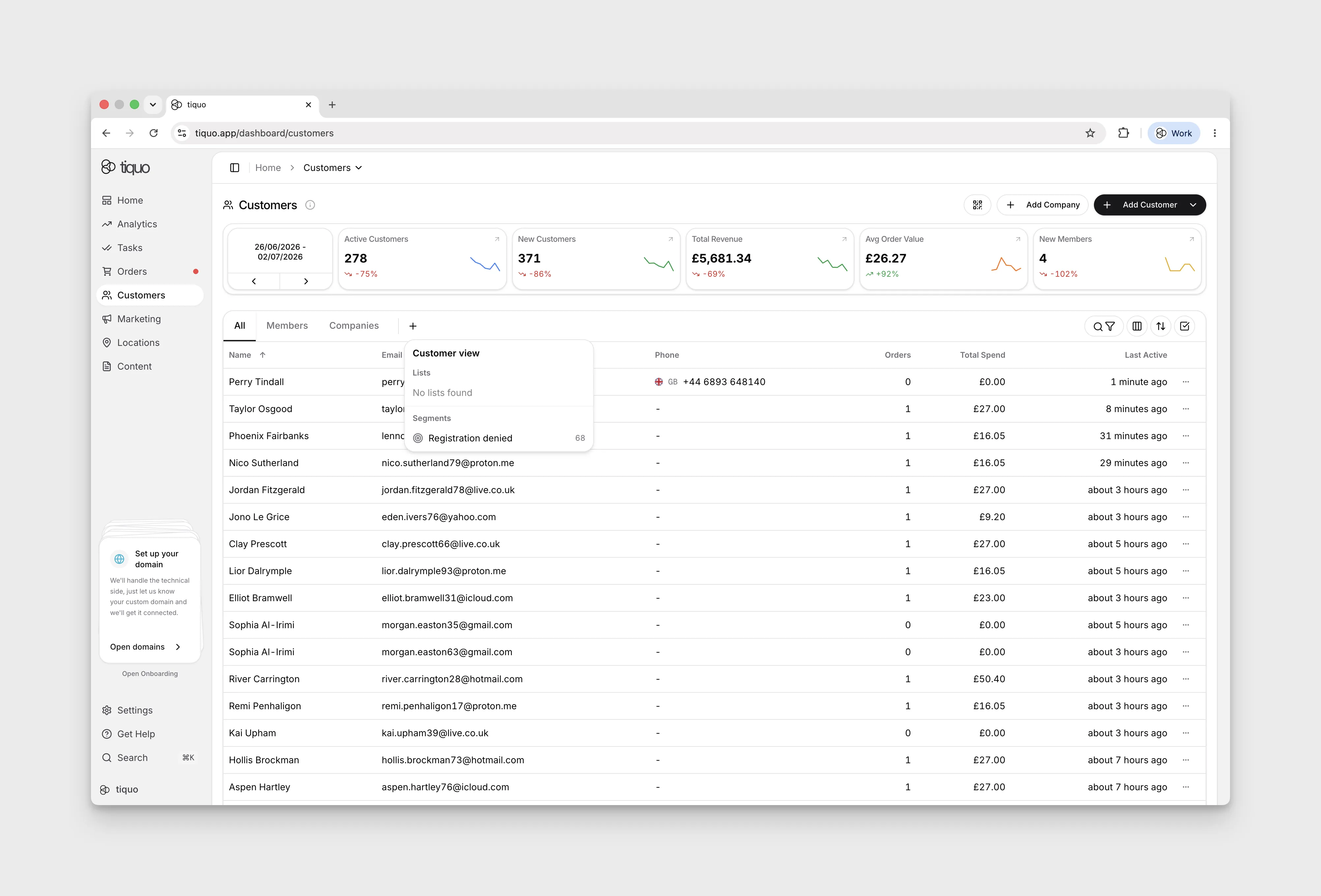
You can also filter customers by the custom lists and segments defined in Marketing. Segments support any combination of filters, so you can use them to define the groups shown in the customer list.
The selected list or segment is remembered for the signed-in user, so returning to Customers restores the audience they were working with. Choose the all-customers view to clear that saved audience.
More help
Browse Customers help articles · Read the full platform guide