How do members book member only services?
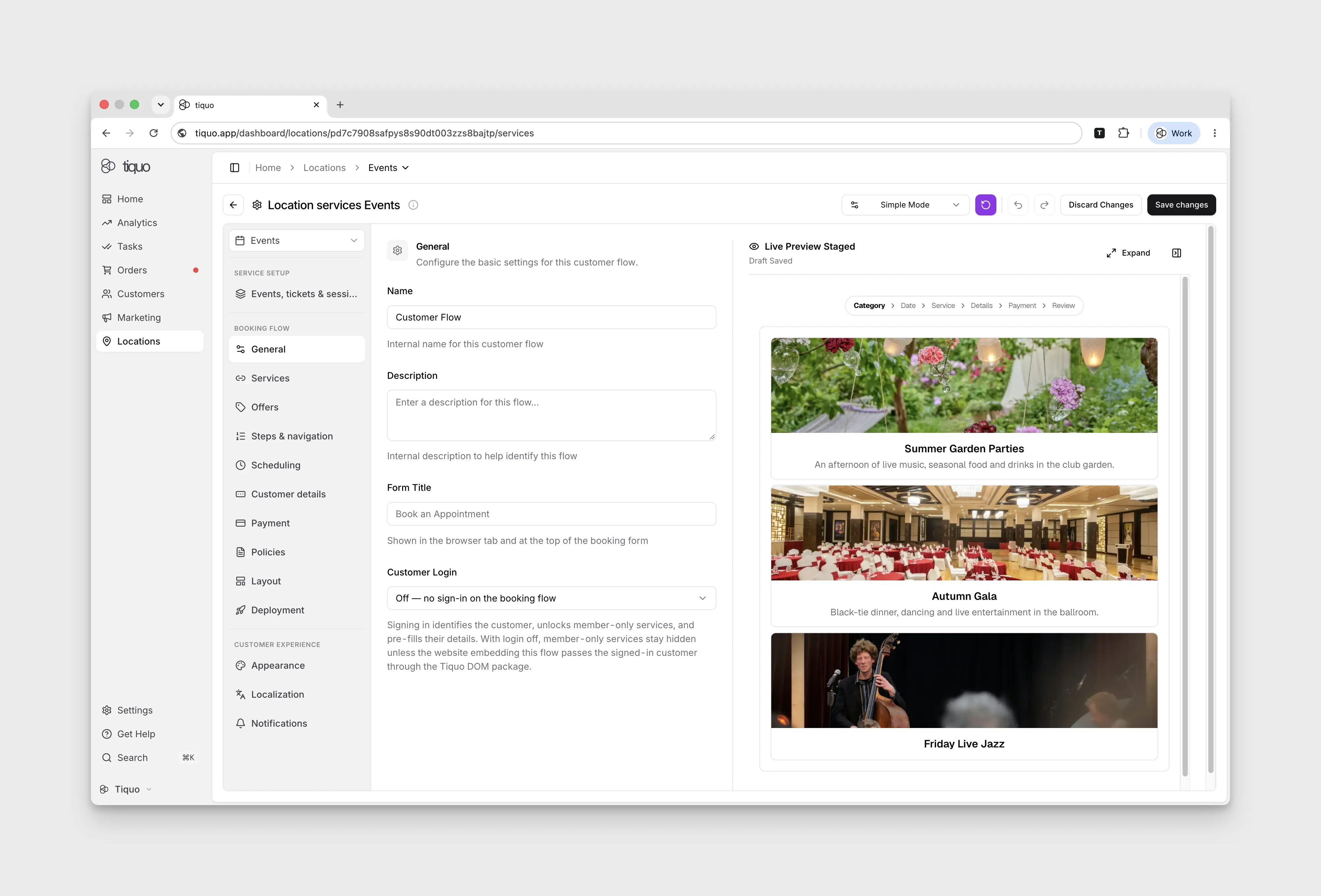
Review Customer Login so the booking flow can identify members.
Open Configure Services → Booking flow → General and review Customer Login. Signing in identifies the customer, unlocks member-only services, and prefills their details.
With login turned off, member-only services remain hidden unless the embedding website supplies the signed-in customer. Configuring separate flows alone does not identify a member.