How do I create a customer?
Add a customer record and choose its identifying information.
Customers can be created in several ways:
- Manually by staff in the CRM
- Automatically during booking flows
- Automatically when an order is created
- Automatically when an enquiry is submitted
- By importing customer data
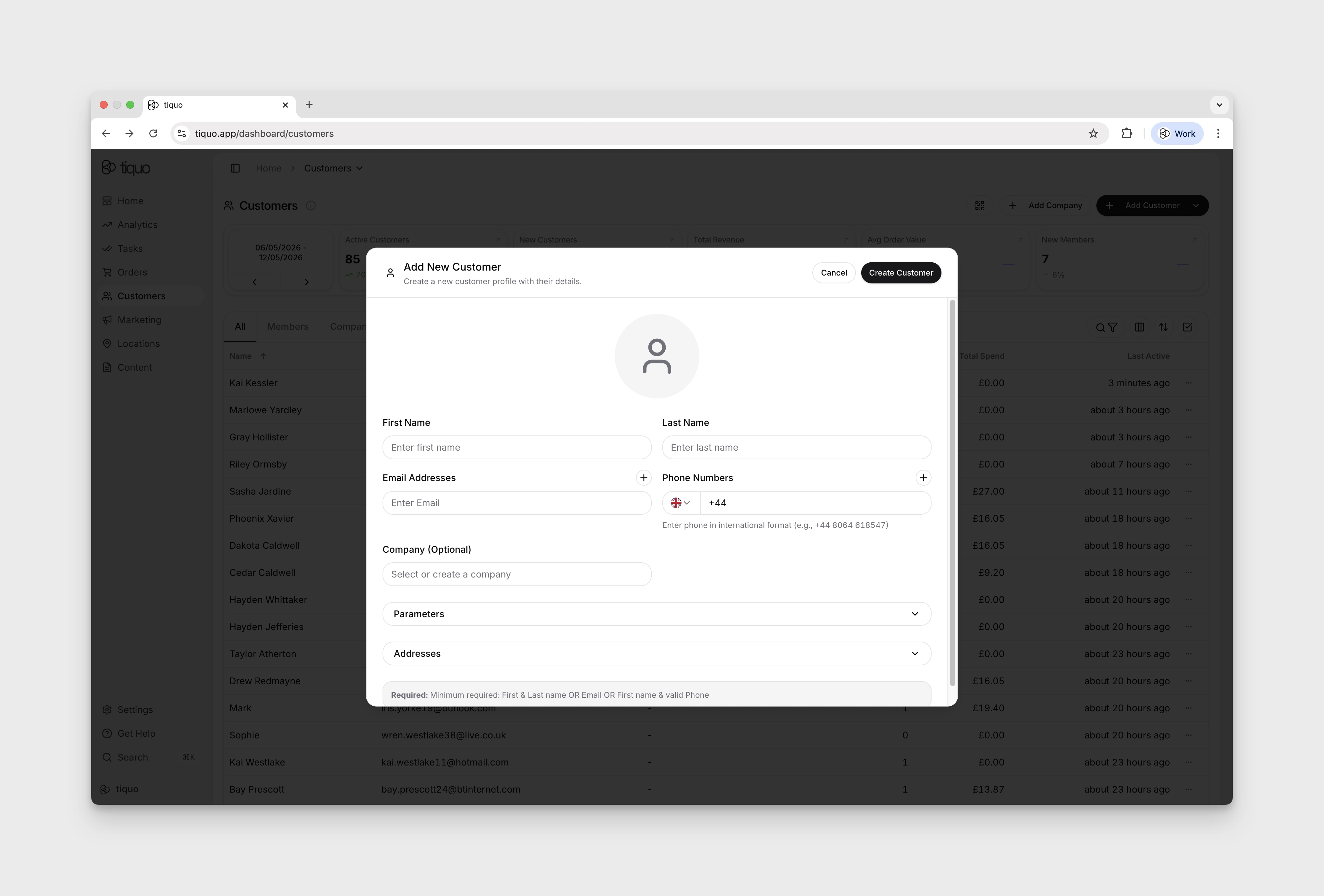
A customer can be created with any of the following:
- First and last name
- Email address
- First name and valid phone number
Tiquo checks the email addresses and phone numbers you enter and asks before saving any that look fake, mistyped, or incomplete. See Why does Tiquo say a customer's contact details look fake?
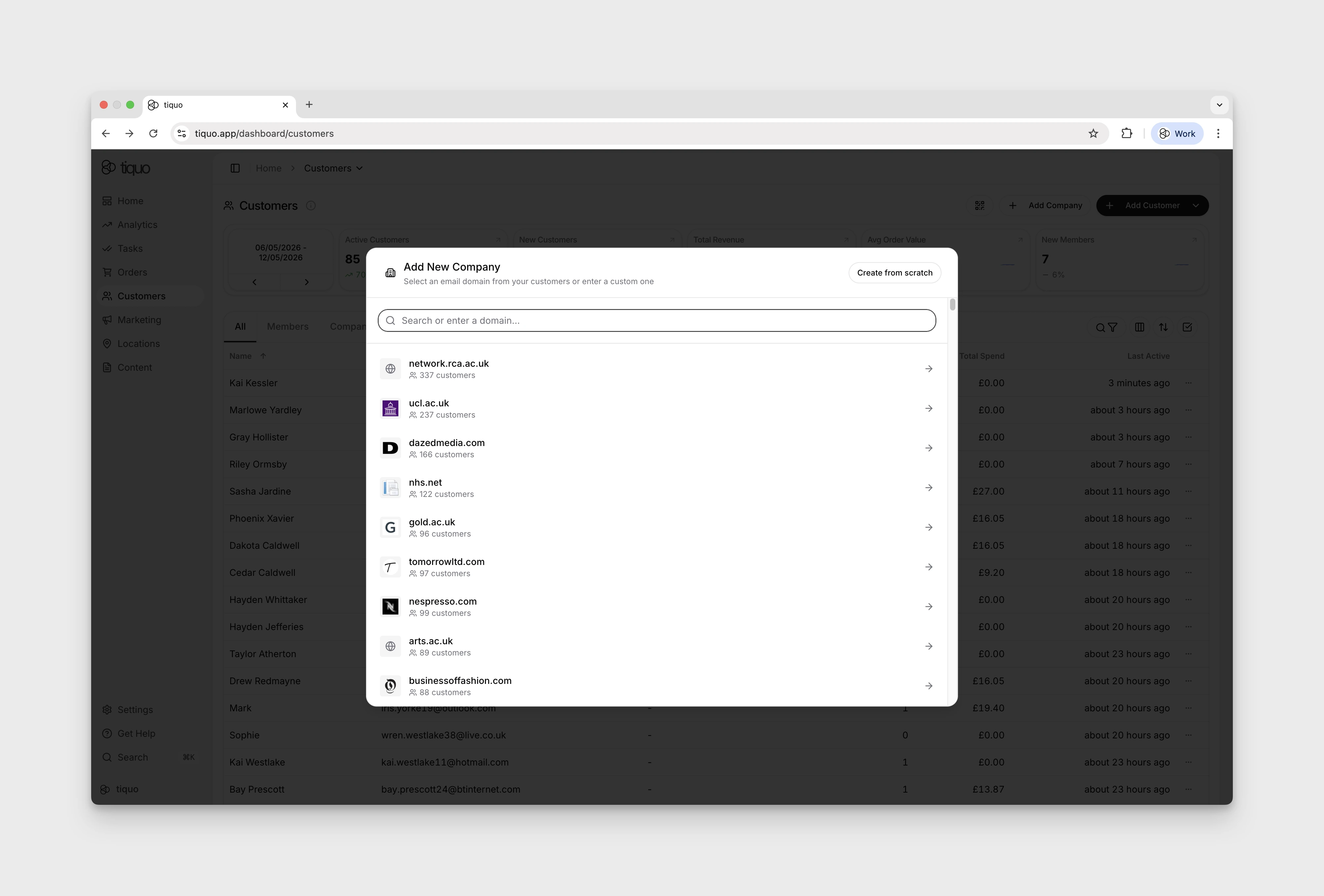
You can also add company profiles for customer filtering.
Customer registration modal
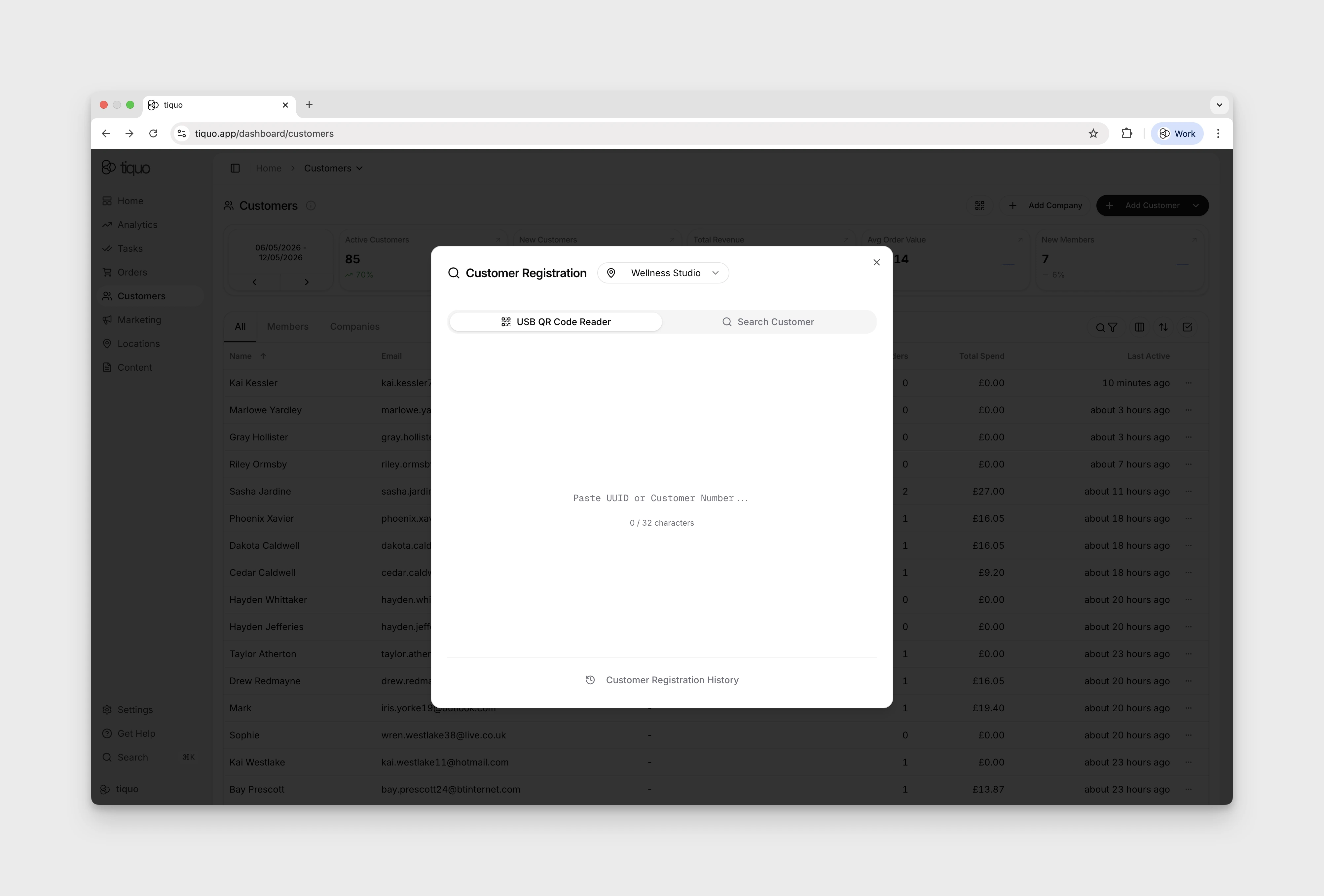
A small QR code icon at the top of the Customers page opens the registration modal. Staff can scan a customer's identification QR code, search for an existing customer, and review their access to the selected sublocation.
Eligible pre-registered guests appear as a checklist. Staff can add another guest when the allowance permits and confirm everyone with one Register with N guests button. This records access to the sublocation; it is not booking check-in.
See Customer Registration for the workflow, Access Passes for customer access rules, and Guest Passes for guest allowances and invitations.