

How can I organize products into categories?
Group products and configure category defaults.
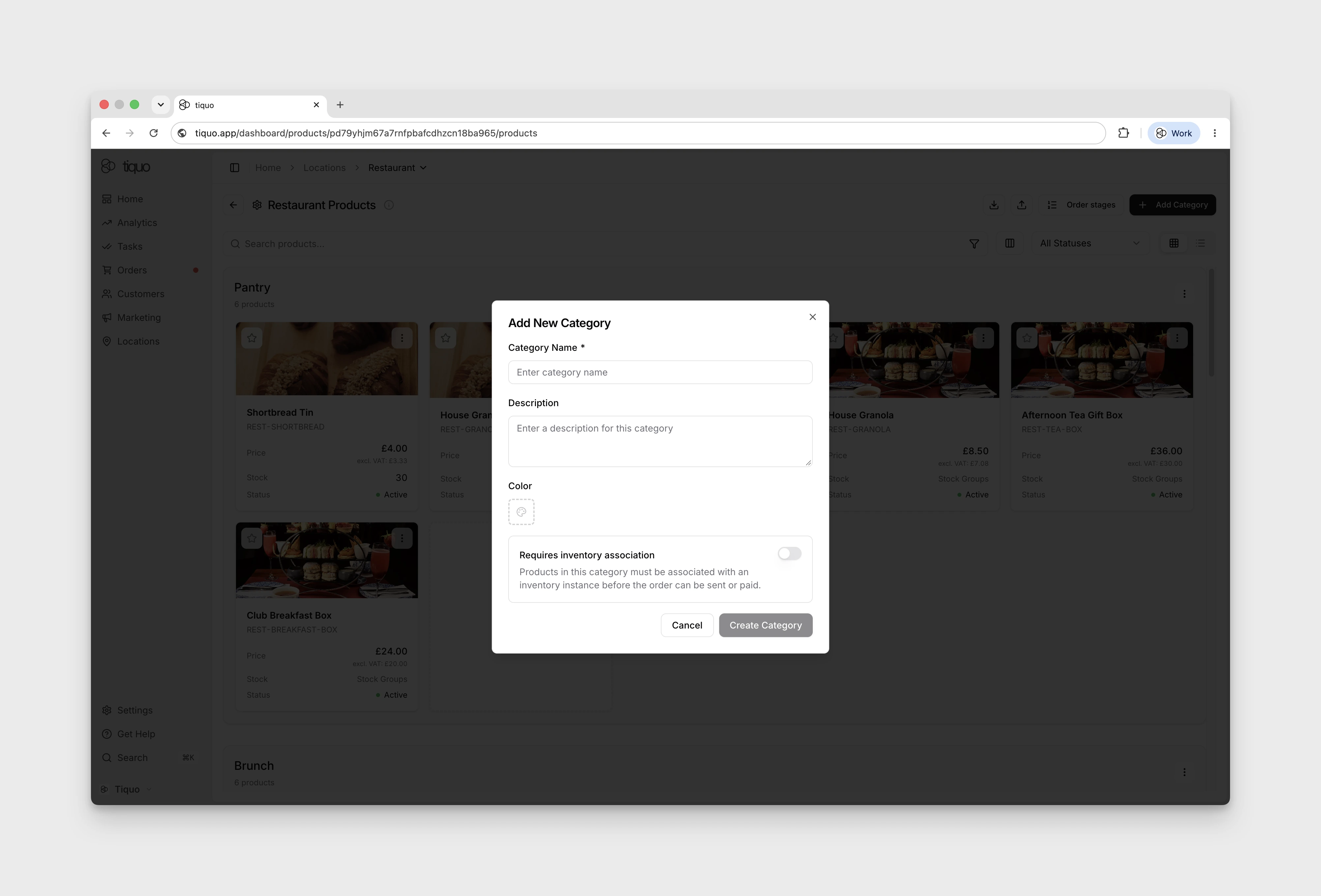
Group products into categories such as Food, Drinks, Merchandise, or Add-Ons to help staff and customers find them.
Open Configure Products → Add Category to display Add New Category. The form includes Category Name, Description, Color, and Requires inventory association. Category Name is required.
For an existing category, open its More → Edit Category menu. The form uses Update Category for existing categories; Cancel closes it without changes. The same menu contains Reorder Categories, Add Sub-Category, and Default order stage.
You can:
- Create multiple categories per sublocation
- Rename or reorder categories at any time
- Assign each product to a single category
- Require products in a category to have an inventory association before the order can be sent or paid
- Set the default preparation stage used by the category's products